
- How AI motion diffusion transforms static product shots into realistic 9:16 fit video loops.
- Key photo inputs required for high-fidelity garment movement and texture retention.
- Step-by-step production workflow from static PDP image to catalog-ready motion clip.
- Techniques to prevent garment stretching, seam distortion, and logo warping.
To generate a garment fit video from a single photo, visual production teams deploy specialized AI motion diffusion pipelines calibrated specifically for fashion apparel. By extracting structural data from static product images—such as fabric weave, drape characteristics, seam lines, and silhouette proportions—these advanced systems extrapolate natural, realistic movement without requiring costly video studio shoots for every SKU. E-commerce leads, studio managers, and catalog teams can now convert existing static PDP imagery into engaging 9:16 video loops that demonstrate fabric behavior and fit dynamics at scale.
What photo inputs work best for single-image fashion video generation?
The quality of any AI-generated motion clip is fundamentally anchored in the clarity and resolution of the source image. To successfully generate a garment fit video from a single photo, production teams must supply clean, high-resolution visual inputs. Flat lays, ghost mannequin shots, and high-definition on-model product photographs serve as primary foundational assets.
Optimal inputs feature neutral studio lighting, sharp focus on fabric texture, and unobstructed garment boundaries. When preparing assets for fashion product video from a single photo, ensure the image captures true color values and accurate grain lines. Low-resolution compressed JPEGs or heavily filtered social media snapshots introduce artifacts that become exaggerated during motion extrapolation, leading to visual degradation in the final video loop.
- High-Resolution On-Model Shots: Provide precise body proportions and natural baseline drape.
- Ghost Mannequin Images: Offer clear interior and exterior garment construction details.
- Studio Flat Lays: Ideal for establishing accurate print scaling and fabric pattern repeats.
Why maintain fabric weight and seam alignment during motion generation?
Different textiles behave distinctly under motion. Silk drapes with fluid, cascading ripples, whereas heavy wool or structured denim maintains rigid lines and subtle creasing. Maintaining fabric weight and seam alignment requires specialized constraint modeling during the video generation process.
Generic video generation models often treat apparel as abstract pixel flows, causing fabrics to appear rubbery or stretch unnaturally as the model poses. Fashion-specific AI engines utilize physical simulation layers that respect material composition. By mapping internal skeleton rigging to the garment's structural seams, the system ensures that side seams, shoulder seams, and darting remain perfectly anchored while the fabric flexes naturally around the silhouette.
Consider the performance differences between traditional physical shoots and AI-driven motion conversion when planning catalog workflows:
| Production Metric | Traditional Video Studio | Single-Photo AI Motion Pipeline |
|---|---|---|
| Setup Time per SKU | 2 to 4 hours (lighting, model, crew) | Instantaneous batch processing |
| Fabric Consistency | Varies across takes and lighting | Locked to source photo specifications |
| Catalog Scalability | Limited by physical studio hours | Thousands of SKUs processed concurrently |
Executing the static PDP image to 9:16 fit video loop workflow
Integrating an automated single photo to PDP video workflow into your existing digital asset management (DAM) system streamlines production across large apparel catalogs. Below is the proven multi-stage operational sequence used by enterprise e-commerce teams.
- Asset Ingestion & Metadata Tagging: Upload the verified static product photo alongside garment metadata detailing fabric composition and color codes.
- Structural Decomposition: The AI engine isolates the garment layer, mapping silhouette boundaries, grain lines, and texture coordinates.
- Motion Trajectory Selection: Choose standard catalog motion profiles—such as a 360-degree subtle turn, walking stride, or fabric sway loop tailored for 9:16 mobile feeds.
- Diffusion & Simulation: Run the motion diffusion model with physical constraints enabled to preserve fabric drape and prevent texture warping.
- Quality Control & Export: Review generated frames for seam alignment and color fidelity before exporting final compressed MP4 or WebM video loops for product detail pages.
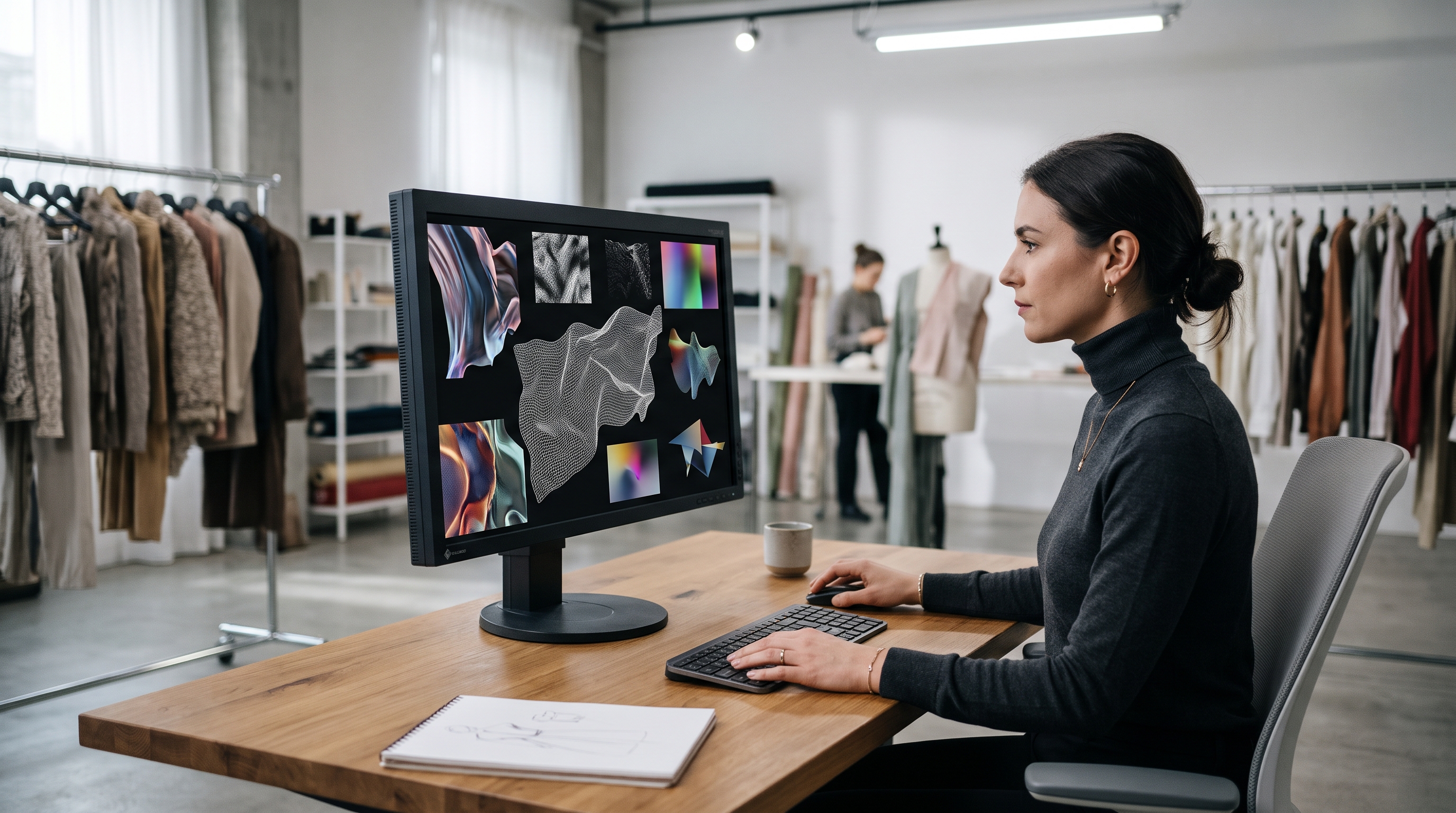
Preventing garment distortion and texture warping in AI video outputs
One of the most persistent challenges in generative video is texture distortion—particularly around intricate prints, embroidered logos, and geometric patterns. When a model moves, a poorly calibrated AI generator will warp the pattern as if painted onto a stretching elastic sheet.
To eliminate this, production workflows must enforce strict texture locking mechanisms. By projecting the surface texture of the static photo onto a three-dimensional mesh representation of the garment, the system tracks surface coordinates across every frame. This ensures that brand logos remain undistorted and woven patterns maintain their precise scale and orientation throughout the entire video cycle. For further insights on maintaining asset integrity, refer to AI Fashion Fit, Drape, and Movement Video.
Scaling catalog engagement with AI-generated video
Adopting a workflow to generate garment fit video from single photo assets directly addresses buyer hesitation on e-commerce product pages. Shoppers frequently abandon carts due to uncertainty regarding how a garment moves, drapes, or fits in real life. By providing high-definition motion clips directly on product detail pages, brands significantly reduce return rates and increase conversion confidence.
Furthermore, automated pipelines enable brands to scale video coverage across 100% of their apparel catalog without incurring the exorbitant costs associated with traditional video production crews. For comprehensive strategies on maintaining brand consistency across your digital channels, explore Consistent AI Models: A Guide for Fashion Catalog Production and AI Product Videos: Changing Fashion Ecommerce Product Pages.