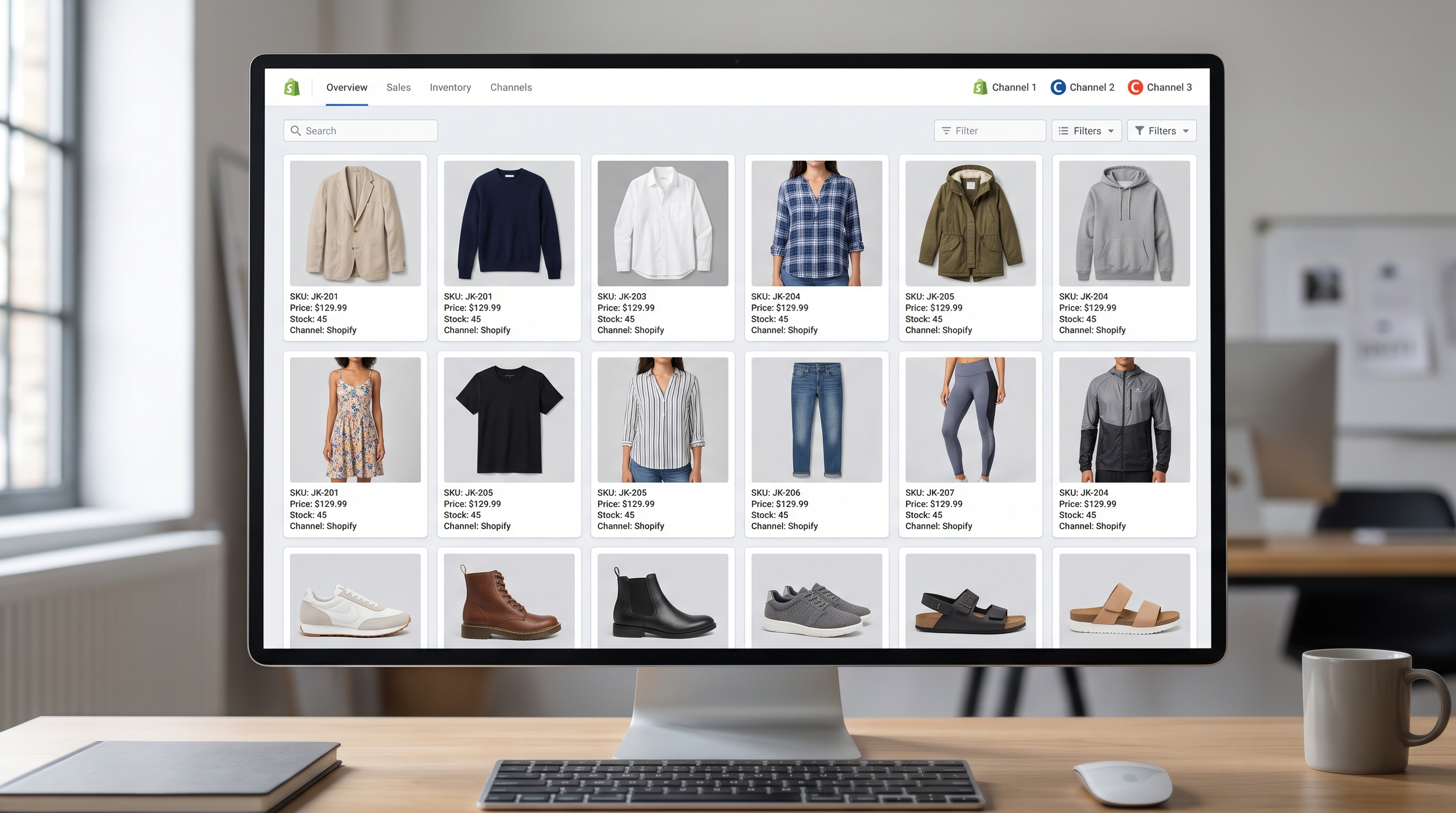
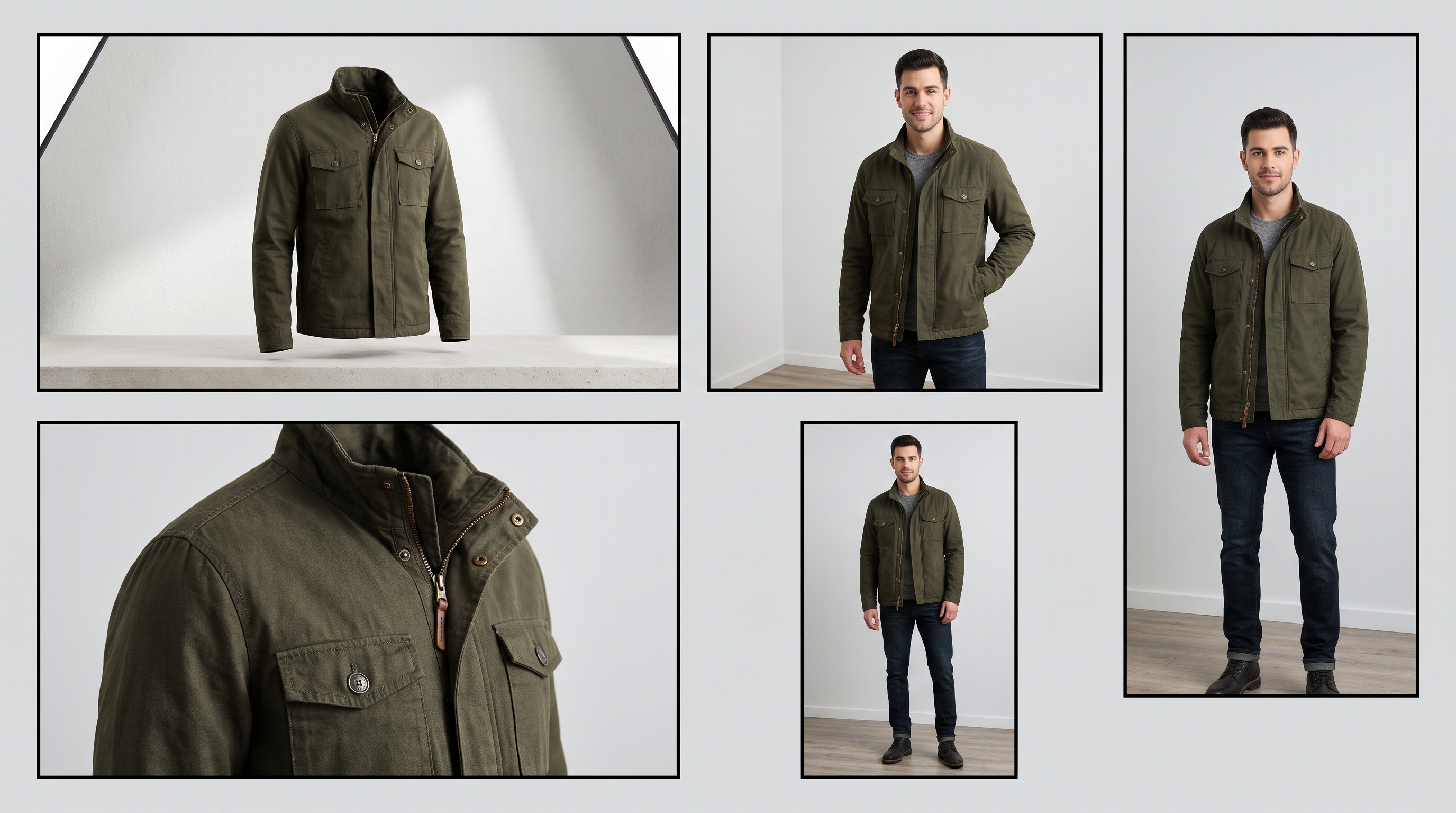
- Why traditional batch cropping cuts off dress hems, sleeves, and shoes across differing marketplace aspect ratios.
- How to configure smart canvas padding and aspect ratio presets for Amazon, Zalando, and Shopify.
- Using AI-driven background extension to adapt apparel imagery without distorting product proportions.
- Maintaining color accuracy and high resolution across large automated catalog processing runs.
Catalog operations teams scaling multi-channel apparel listings face a persistent bottleneck: formatting thousands of product images to meet conflicting channel requirements without manual re-cropping. Standard batch processors use rigid center-cropping or naive canvas padding that either clips critical garment details like dress hems and necklines or leaves jarring, uneven whitespace. To batch resize fashion product images for marketplaces effectively, teams rely on automated aspect ratio presets and smart canvas extension that preserve original garment framing across channels like Amazon (1:1) and Zalando (1:1.44).
Why basic batch cropping cuts off garments across different marketplace aspect ratios
Every major e-commerce channel enforces strict aspect ratio rules to maintain a uniform visual grid on category pages. Amazon requires square 1:1 product images, while European fashion platforms like Zalando mandate 1:1.44 portrait ratios. When operations teams apply basic automated batch cropping tools designed for general goods, the script invariably centers on the middle of the image. For apparel photography, this center-bias routinely amputates sleeves, shoe details, or sweeping dress hems.
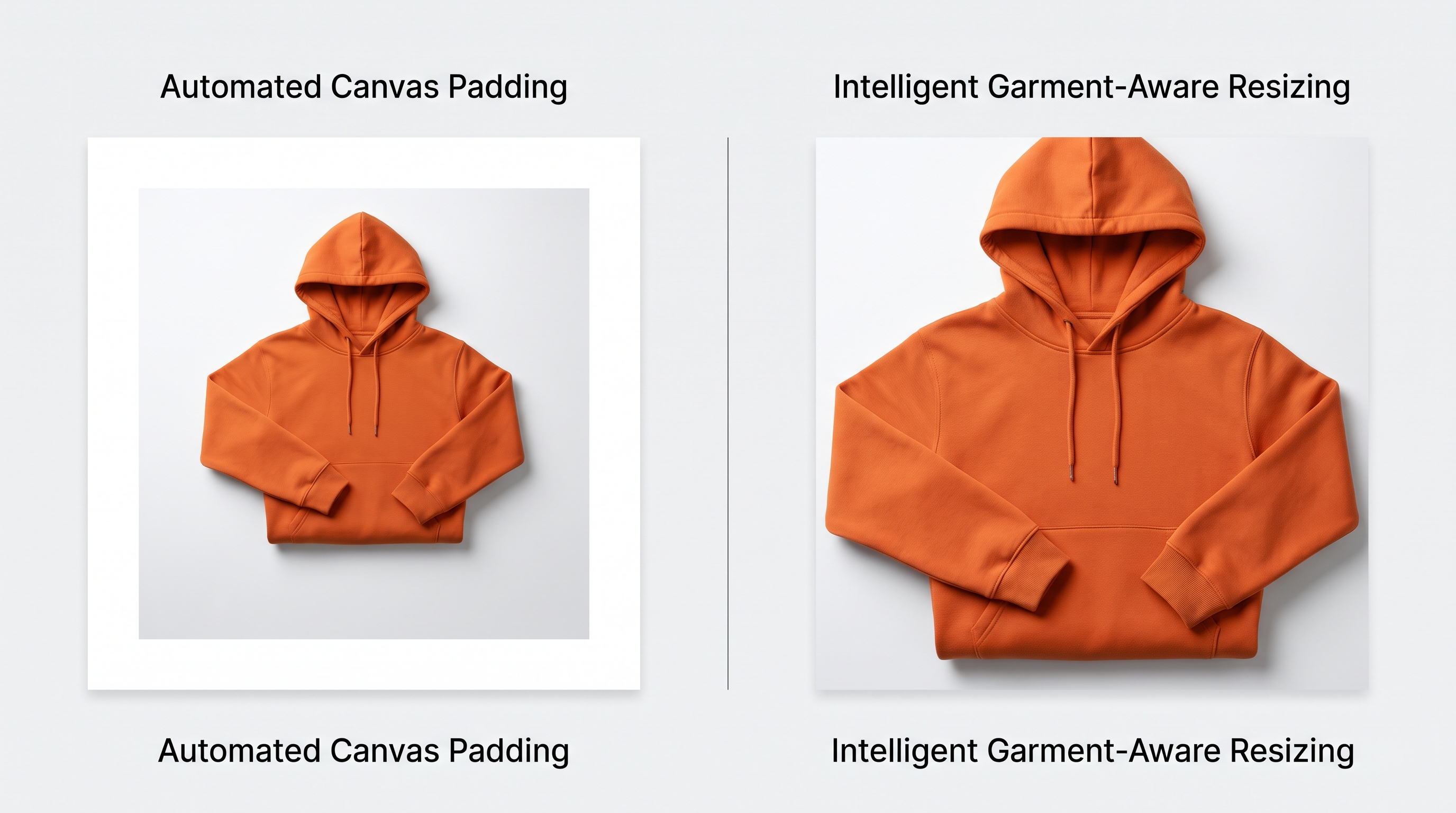
Standard resizing scripts operate blindly on pixel dimensions rather than garment geometry. If a vertical full-length gown is forced into a square 1:1 container through automated cropping, the top and bottom quarters of the garment are instantly sliced away. Conversely, naive canvas padding drops the image onto a white or transparent background without accounting for the product's natural center of gravity, resulting in awkward, top-heavy framing that fails visual quality gates.
How to set up canvas padding and aspect ratio presets for Amazon, Zalando, and Shopify
Scaling catalog production requires shifting from manual editing to systematic preset pipelines. Setting up channel-specific aspect ratio presets in your PIM or digital asset management workflow eliminates guesswork.
- Amazon (1:1 Square): Configure batch scripts to pad vertical studio shots symmetrically on the left and right margins while anchoring the vertical alignment to the top-center, ensuring the neckline remains consistent.
- Zalando (1:1.44 Portrait): Adjust height parameters to extend the vertical canvas while maintaining garment scale, preventing elongation or torso distortion.
- Shopify (Flexible / Custom 3:4): Preserve standard studio portrait ratios while standardizing resolution density across all incoming RAW or high-res TIFF files.
For deeper insights on standardizing visual proportions across platforms, review our guide on Fashion Product Image Aspect Ratio: 3:4 vs 1:1 and our detailed breakdown on Adapt Product Images for Marketplaces with AI.
How to batch resize fashion images using AI background extension without distorting the product
When converting narrow portrait shots into wider square templates—or vice-versa—simple padding leaves large dead zones of empty white space. Modern catalog operations overcome this by integrating AI background extension into batch pipelines. Instead of stretching pixels or adding blank padding, generative background models seamlessly fill out the extended canvas by continuing studio lighting, flooring, and gradient shadows.
This approach ensures that apparel items maintain their exact anatomical proportions and drape while fitting cleanly into disparate channel templates. For high-volume catalogs containing thousands of new SKUs each season, automating this background fill prevents studio backlogs. Learn more about maintaining consistency at scale through AI Background Removal: Consistent Images at Scale.
How to preserve image resolution and color accuracy during automated processing runs
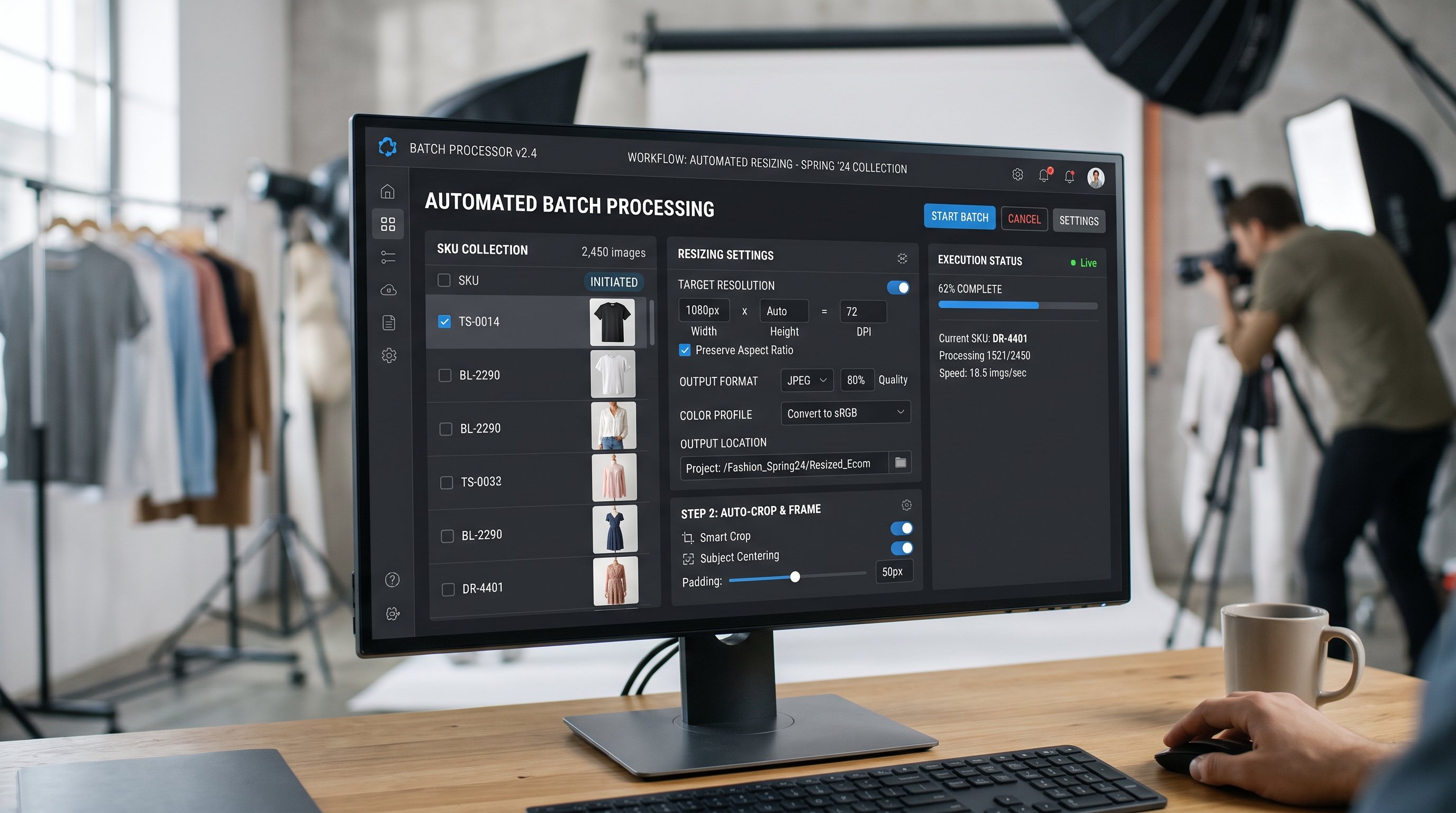
Batch processing large batches of apparel imagery introduces two severe risks: compression artifacting and color drift. When scaling down massive TIFF files to marketplace-ready JPEGs or WebPs, aggressive compression can blur delicate fabric textures, knit patterns, and stitching details. Furthermore, automated color space conversions from Adobe RGB to sRGB frequently mute vibrant reds and deep indigos.
To protect catalog integrity, batch pipelines must enforce strict color profile embedding and multi-step resampling algorithms (such as Lanczos scaling) that retain edge sharpness. Establishing automated color validation steps guarantees that garments look identical on the digital storefront and in the customer's hands, directly reducing return rates. Explore best practices in our Apparel Photo Color Matching Workflow.
Frequently Asked Questions
How do I convert 1:1 apparel images to Zalando's 1:1.44 ratio without stretching?
To convert square 1:1 images to Zalando's 1:1.44 portrait requirement without stretching the garment, use automated canvas extension or AI background filling to add vertical headroom and footroom while keeping the central apparel proportions intact.
What is the best way to batch resize product images without clipping garment edges?
The most effective method is using category-aware batch resizing tools that detect garment bounding boxes, applying intelligent padding or background expansion rather than blind center-cropping.
How can I automate image resizing for thousands of fashion SKUs across channels?
You can automate multi-channel resizing by integrating batch rules into your PIM or digital asset management system, applying predefined aspect ratio presets for Amazon, Zalando, and Shopify upon ingestion.
Will batch resizing affect image quality or file size limits for marketplace upload?
Batch processing can degrade quality or bloat file sizes if compression and resampling parameters are misconfigured. Use high-quality resampling filters and enforce marketplace file size caps without sacrificing sharpness.
How do different apparel categories affect batch resizing rules?
Different categories—such as floor-length gowns versus fitted jackets—require category-aware anchoring to protect specific alignment points like necklines and hems from being clipped during automated resizing.