
In this article:
- Why studio lighting shifts and camera sensor profiles cause fabric color drift in e-commerce photography.
- Step-by-step implementation of an automated apparel photo color matching workflow for high-volume catalogs.
- Comparing manual eye-matching versus batch color correction fashion photography to scale operations.
- Maintaining digital colorway matching fashion catalog standards across multi-channel marketplaces and product pages.
Studio lighting shifts and camera sensor profiles frequently cause fabric colors in catalog photos to drift from the physical garment. When shooting hundreds of SKUs daily, retouching teams waste countless manual hours correcting individual colorways, leading to delayed catalog launches, inconsistent PDP images, and high return rates driven by color mismatches. Implementing an automated apparel photo color matching workflow transforms how fashion brands handle post-production, ensuring true-to-life color accuracy across every product page and marketplace channel without slowing down time-to-market.
Why Garment Color Drift Happens in E-Commerce Photography
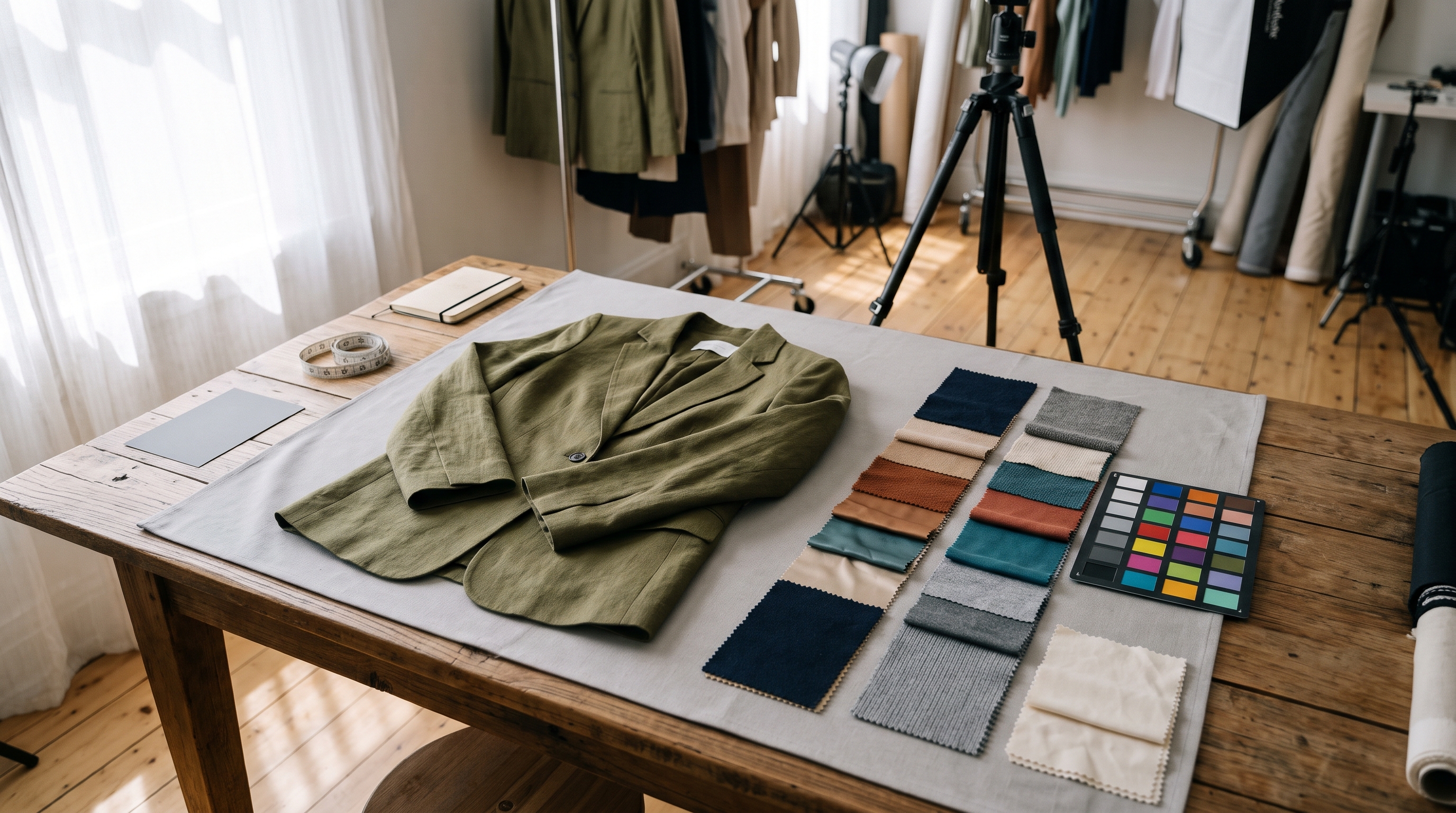
Garment color drift occurs when digital camera sensors, ambient studio lighting, and display color profiles interpret textile dyes differently than the human eye sees them in natural daylight. In traditional studio setups, even slight variations in strobe color temperature or fabric sheen can alter how a red silk blouse or navy denim jacket appears on camera.
For catalog operations leads and studio managers, relying on subjective eye-matching results in severe inconsistencies between colorways. Establishing an automated color matching apparel photo retouching workflow eliminates guesswork by establishing strict color reference profiles right at the capture stage.
How to Set Up an Automated Apparel Photo Color Matching Workflow
Setting up a scalable color pipeline requires standardizing capture inputs and deploying intelligent post-production automation. Here is how leading fashion brands build a robust system:
- Incorporate Color Targets: Include standardized physical color charts in test shots to capture lighting and sensor baselines.
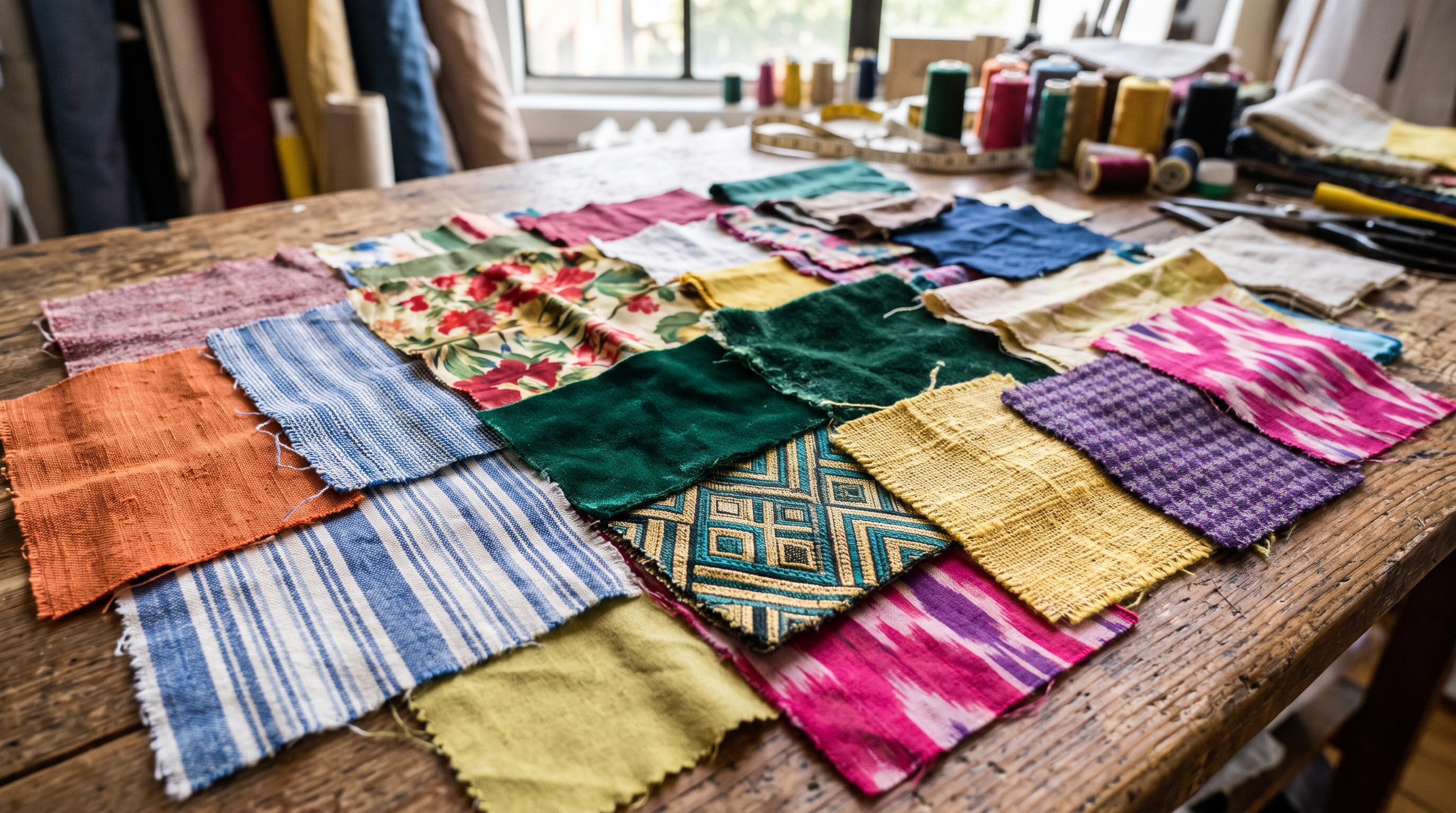
- Profile Textile Dyes: Map specific fabric compositions—such as cotton, silk, polyester, and wool—to predefined color correction matrices.
- Deploy Automated Batch Correction: Utilize batch color correction fashion photography software to apply verified profile adjustments across entire folders of raw captures.
- Validate Against Physical Swatches: Conduct spot checks against physical tech packs to verify that apparel photo color accuracy retouching meets brand standards.

Manual Retouching vs Automated Color Matching: What Scales for Catalog Volumes?
A common misconception in studio management is that manual eye-matching on calibrated monitors is sufficient for enterprise catalog volume. While manual retouching works for small lookbooks, it breaks down when managing thousands of SKUs across multiple seasonal colorways.
| Workflow Attribute | Manual Retouching | Automated Color Matching |
|---|---|---|
| Processing Speed | 10-15 minutes per image | Seconds per batch |
| Color Consistency | Varies by retoucher fatigue | Uniform across all colorways |
| Catalog Launch Time | Delayed by retouching backlogs | Instantaneous deployment |
How to Maintain Colorway Consistency Across Marketplaces and PDPs
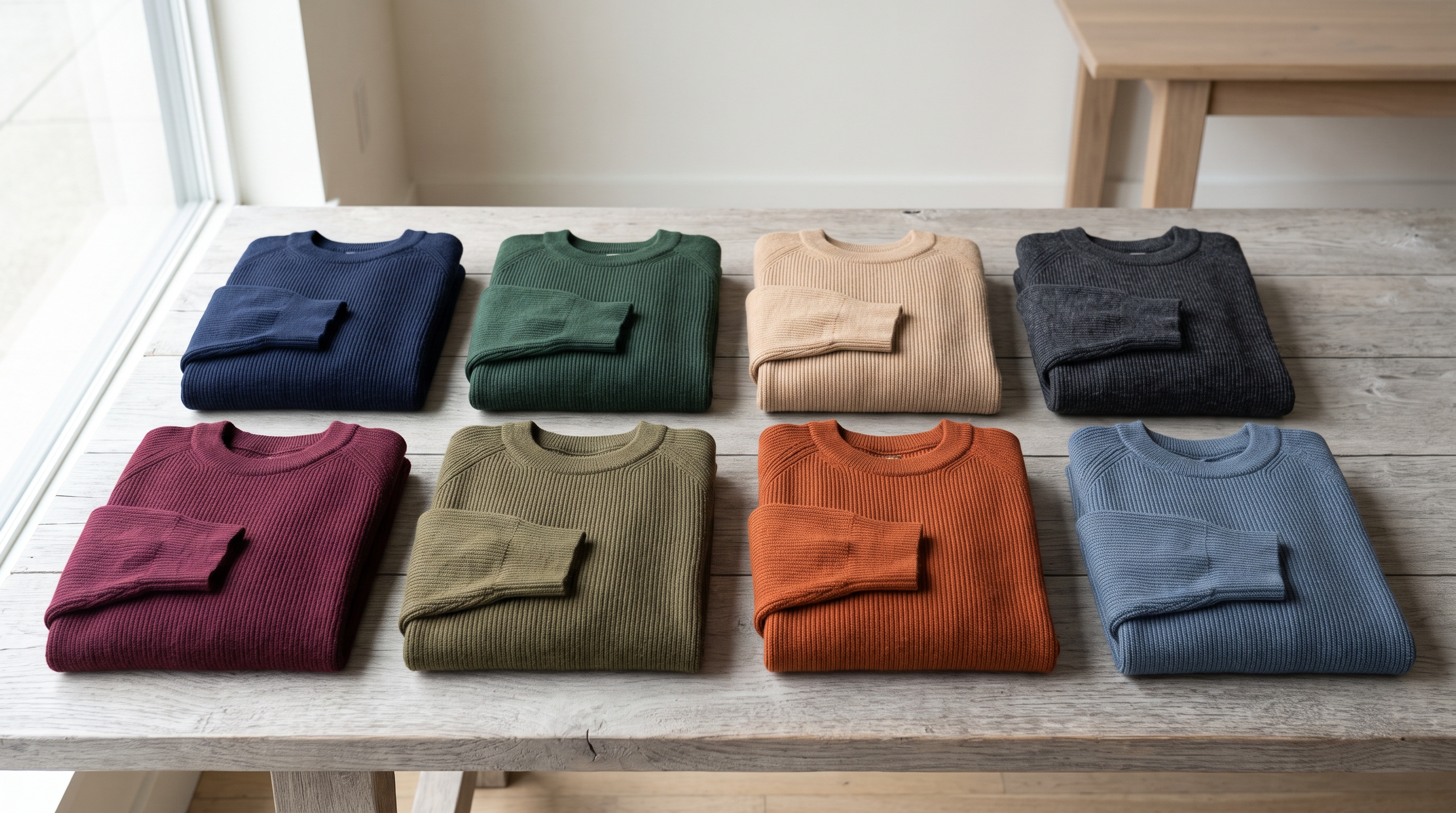
Different sales channels and marketplaces enforce strict image compliance rules, making digital colorway matching fashion catalog execution critical. When syndicating PDP assets to third-party retailers or global storefronts, color accuracy directly influences customer trust and return rates.
By enforcing a centralized color profile database, brands ensure that whether a customer views a garment on a brand's direct e-commerce PDP or a major marketplace app, the digital representation matches the physical product delivered to their doorstep.