
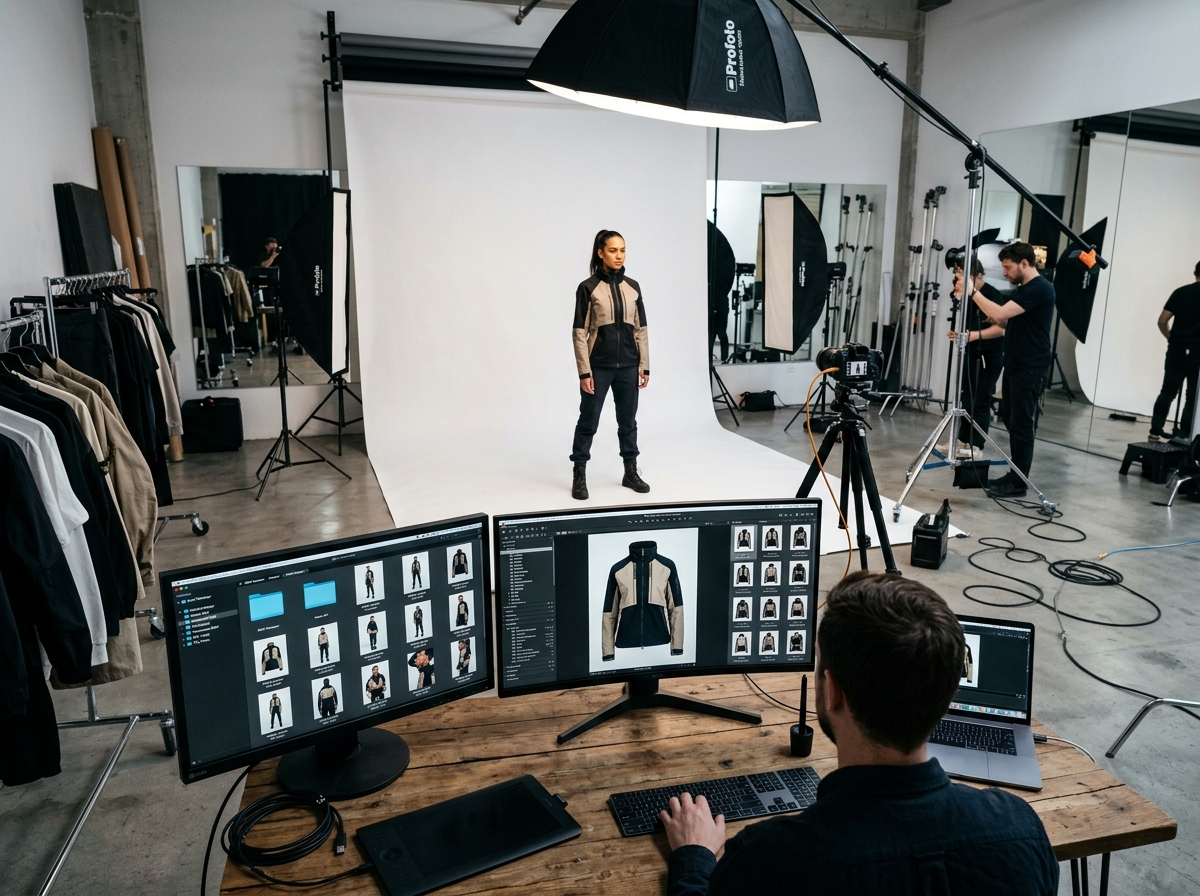
A visual supply chain treats fashion imagery as a continuous, scalable operation rather than a one-off photoshoot. By centralizing asset creation, standardization, and syndication, brands eliminate asset rot and accelerate time-to-market across e-commerce channels.
Fashion brands often treat visual assets as 'one-off' products of a photoshoot rather than part of a living supply chain. To build a fashion visual supply chain for e-commerce, brands must integrate the end-to-end process of asset creation, validation, and syndication into a single digital pipeline. When assets aren't standardized, tagged, and ready for multi-channel syndication, brands suffer from 'asset rot'—where imagery becomes unusable, inconsistent, or lost, creating massive operational waste as the brand tries to expand from their PDP to social media and third-party marketplaces.
To remain competitive, fashion retail must treat visuals with the same operational rigor as physical inventory. This requires shifting from isolated, manual photography to a centralized, automated system capable of handling catalog volume across markets.
Why do traditional photoshoots break your supply chain?
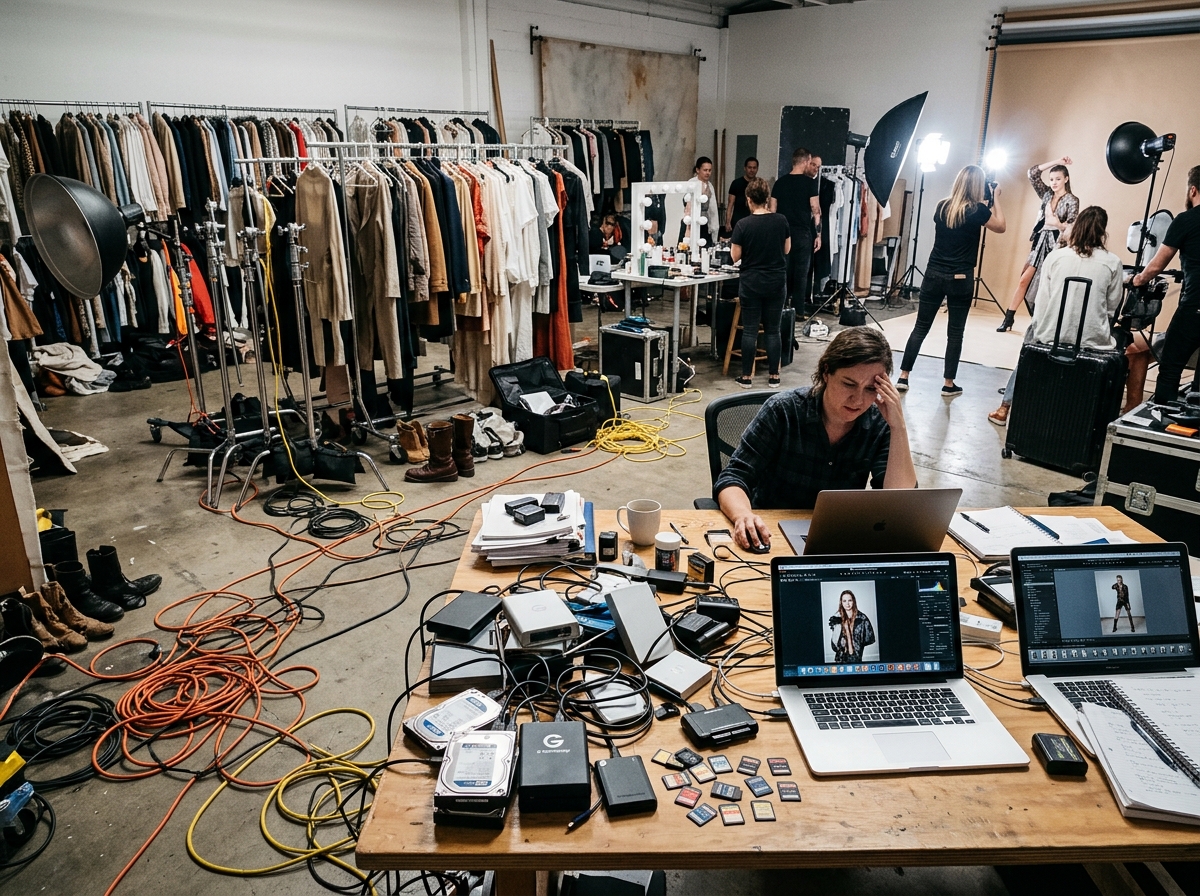
Traditional photoshoots break your supply chain because they create static, inflexible files that cannot scale across diverse e-commerce requirements. When a brand relies entirely on manual photography for every channel, they create bottlenecks that delay product launches and inflate operational costs.
In a conventional workflow, creating on-model images, ghost mannequins, and packshots requires coordinating models, photographers, and studios. Once the shoot ends, the resulting assets are often siloed. A PDP image shot for a primary website may not meet the strict aspect ratio or background requirements of a new marketplace, forcing the brand to either compromise quality or reshoot the garment entirely.
What are the pillars of a digital-first visual workflow?

A digital-first visual workflow is built on three core pillars: standardization, automation, and syndication. By implementing these pillars, fashion brands can achieve the operational throughput necessary to manage thousands of SKUs efficiently.
- Standardization: Ensuring all visual assets adhere to a unified brand look, with consistent styling, lighting, and metadata tagging from the moment of creation.
- Automation: Utilizing a visual content engine like FlixStock to read garment type, fabric, fit, and color, applying models and poses programmatically without requiring a new physical photoshoot for every variation.
- Syndication: Seamlessly distributing production-ready files to PIM systems, DAM platforms, and diverse sales channels.
This approach allows the same garment to be restyled for different seasons, markets, and channel specifications, incorporating both human and AI quality control before delivery.
| Stage | What happens |
|---|---|
| Creation | One product input becomes on-model, ghost, and packshot files |
| Validation | Human and AI checks cover crop, lighting, and brand look |
| Syndication | Approved files go to PIM, marketplaces, social, and email |
- Capture one usable source. Start from a sample shot or tech pack with enough resolution to crop for more than one channel.
- Tag the garment. Record type, fabric, fit, and color before variants are made.
- Generate the channel set. Produce front, back, side, detail, and fabric views from that source.
- Check before delivery. Run human and AI review for lighting, crop, and brand consistency.
- Send the approved set out. Push files to PIM and marketplaces without scheduling another shoot.
How do you centralize an image pipeline for marketplaces?

Centralizing your image pipeline ensures that fashion visuals are instantly adaptable and compliant with the distinct guidelines of various marketplaces. Expanding into third-party marketplaces often exposes the weaknesses in a brand's visual asset lifecycle management, as each platform demands specific formats and crops.
When assets are managed as a continuous supply chain rather than isolated files, brands can dynamically generate the required variations—from front, back, and side views to detail and fabric shots—from a single product input like a tech pack or sample shot. This centralization integrates directly with PIM/DAM systems, allowing for seamless syndication that eliminates manual resizing and formatting.
Conclusion
Treating your fashion imagery as a continuous digital supply chain eliminates asset rot and accelerates multi-channel expansion. By centralizing creation, validation, and syndication, fashion brands can confidently scale their visual operations to meet the demands of modern e-commerce.
To learn more about optimizing your asset lifecycle, explore our guide on automated production.