

- Marketplace Rejections: Image non-compliance causes launch delays and requires manual rework for platforms like Zalando and Amazon.
- Technical Specs: Different channels require specific aspect ratios, margin sizes, and background colors.
- Automated QC: AI-driven processes standardise images from a single input to fit all channel requirements instantly.
How to ensure fashion product images meet multi-channel compliance is a daily struggle for global retailers. Retailers selling across diverse channels—such as own-brand websites, Zalando, Amazon, and fashion-specific aggregators—are drowning in a sea of conflicting image requirements. Each platform demands its own set of rules for background color, padding, aspect ratio, and model visibility.
Without a standardized approach to these rigid rules, content teams face constant asset rejection, endless manual rework, and heavily delayed product launches. This guide breaks down the essential technical standards required to get visual content approved instantly across every marketplace, ensuring your products go live without costly bottlenecks. From establishing your baseline photography to mastering automated workflows, scaling your catalog operations requires a compliance-first mentality.
Why Do Image Rejections Cost Marketplaces So Much?
When platforms reject imagery, the impact stretches far beyond a simple resubmission. Marketplaces rely on strict visual guidelines to maintain a consistent customer experience. If a brand's uploaded assets fail to meet these parameters—due to incorrect padding, improper aspect ratios, or inconsistent lighting—the platform's automated systems immediately block the listing from publication.
This rejection cycle causes severe delays in time-to-market. During critical seasonal drops, waiting days for a retoucher to manually adjust margins for five different platforms means lost sales velocity. Furthermore, manual rework scales poorly when dealing with thousands of SKUs, turning simple catalog management into a logistical nightmare that consumes your creative team's bandwidth. The direct costs associated with hiring freelance retouchers and managing agency turnaround times can easily erode your product margins.
On a macro level, inconsistent compliance disrupts marketing synchronization. When inventory arrives at the warehouse but cannot be launched because images are pending approval, your paid media campaigns, email newsletters, and seasonal promotions stall. Thus, standardizing image outputs is not just an operational necessity; it is a critical driver of revenue continuity.
How to Ensure Fashion Product Images Meet Multi-Channel Compliance
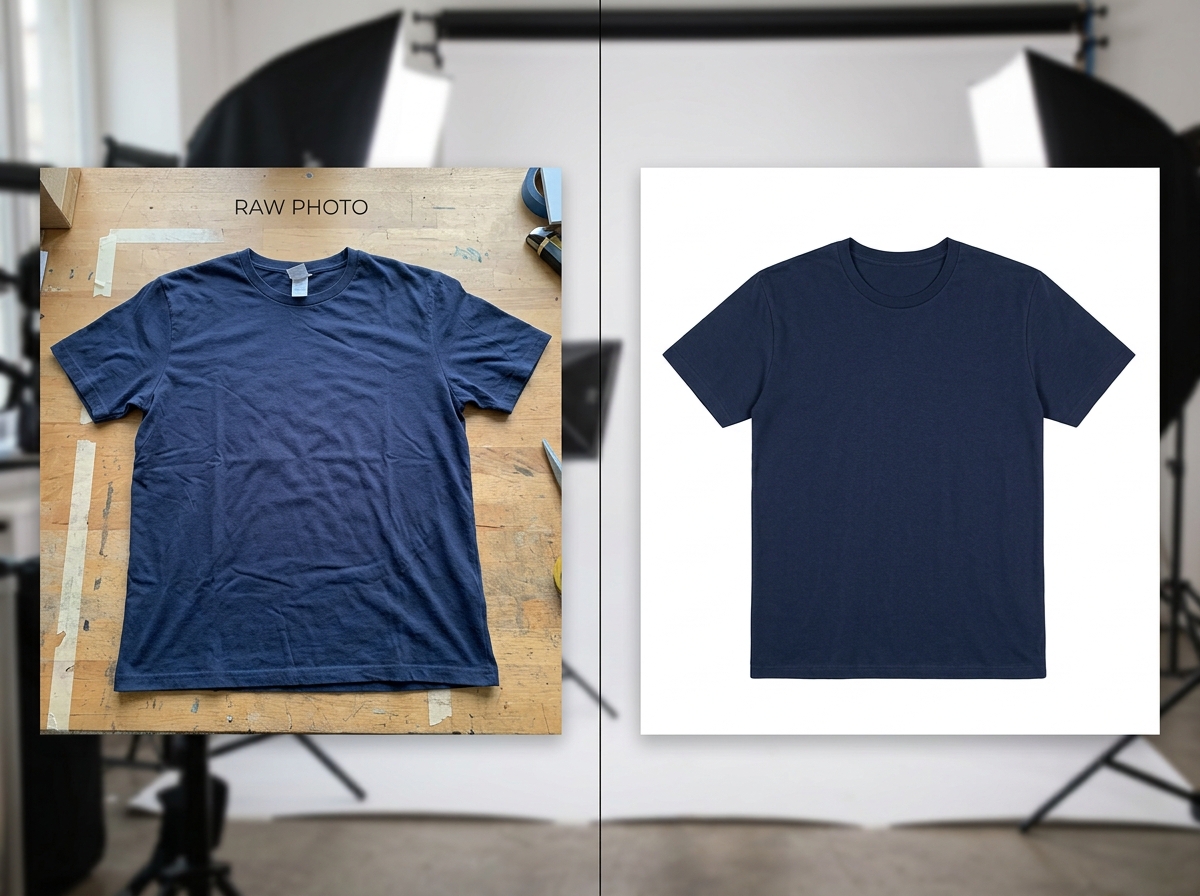
To successfully navigate the maze of marketplace rules, fashion merchants must adopt a systemic approach to asset creation rather than relying on reactive editing. The first step is standardizing the input: ensuring the original photography or digital asset captures enough resolution, neutral lighting, and background separation to be manipulated for any platform later on.
From there, teams must map the distinct requirements of each target channel before processing begins. By establishing a centralized source of truth for technical specifications, brands can generate channel-specific variants in bulk, reducing the risk of a platform's ingestion engine flagging an asset for non-compliance. Developing internal guidelines that align closely with the strictest marketplace you sell on allows for a "trickle-down" compliance model, making adjustments for more lenient channels much easier.
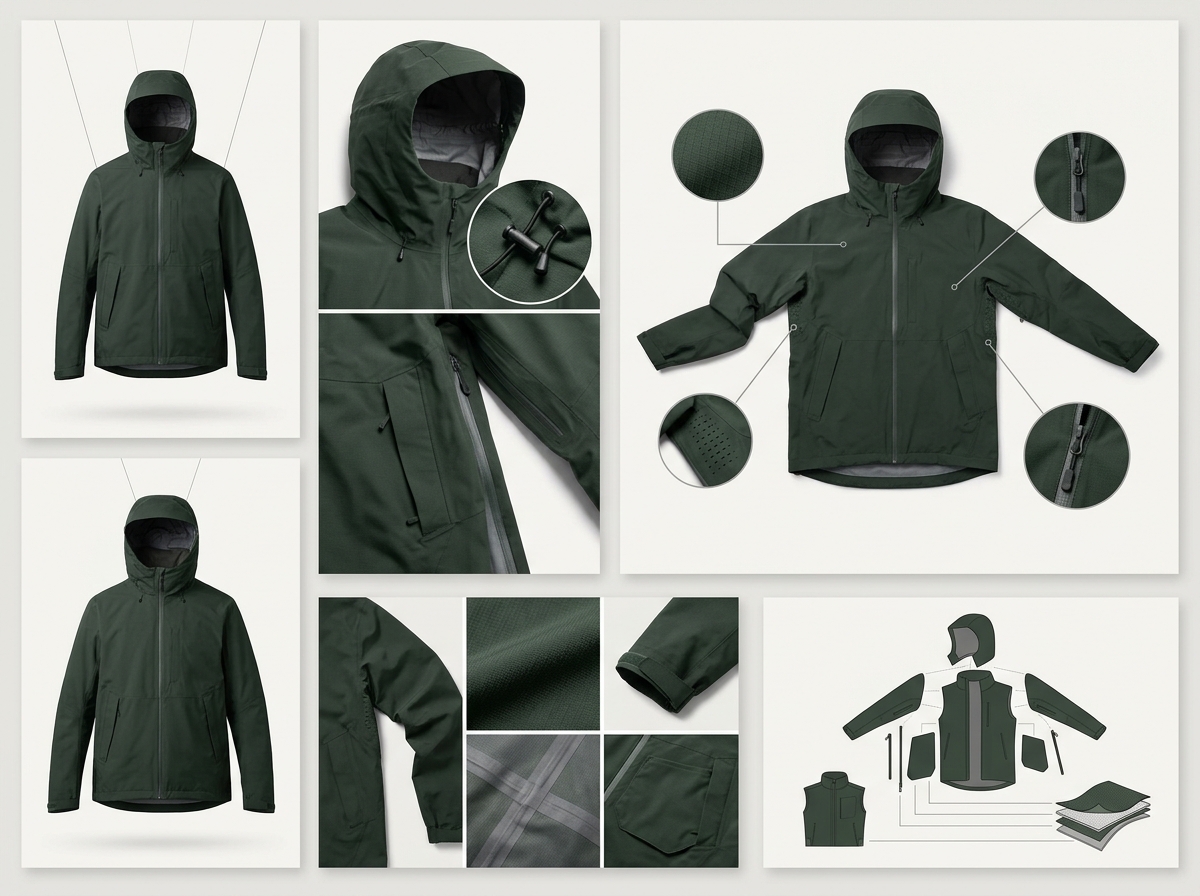
Another crucial practice involves investing in a flexible asset architecture. Rather than treating an image as a flattened, final product, forward-thinking studios capture component assets. Maintaining separate files for the model, the garment, the lighting map, and the background provides the flexibility needed to recompose the image. This modular approach is fundamental for multi-channel success, as it lets creative teams quickly adjust variables without initiating an entirely new photoshoot.
Essential Technical Requirements Defined
Understanding the core technical pillars of compliance prevents the majority of marketplace rejections. Every major e-commerce platform enforces distinct rules across four main categories. Knowing these parameters inside and out is non-negotiable for fashion retail operations scaling globally.
- Aspect Ratio & Resolution: Amazon typically demands square images (1:1) with a minimum of 1000x1000 pixels for zoom functionality, while fashion platforms like Zalando often require vertical formats (like 3:4) to showcase full-body modeling.
- Margins & Padding: The amount of negative space around the garment is heavily scrutinized. Some channels require the product to fill exactly 85% of the frame, demanding precise cropping and alignment from top to bottom.
- Background Colors: While pure white (RGB 255,255,255) is the industry standard for main product shots on Amazon, luxury or fashion-specific channels may allow or require off-white, light grey, or stylized editorial backgrounds.
- File Format & Size: JPEGs are universally accepted, but strict file size limits (often under 5MB or 10MB) mean assets must be aggressively compressed without losing visible quality. PNGs are sometimes required for transparent overlays but are generally discouraged for primary hero images.
- File Naming Conventions: Some marketplaces reject files that do not strictly adhere to their naming structures (e.g., SKU_Front.jpg, SKU_Back.jpg). Automating file nomenclature is just as important as standardizing the visual specs.
Technical Specifications Comparison
| Marketplace/Channel | Aspect Ratio | Background Color | Padding Required |
|---|---|---|---|
| Amazon | 1:1 (Square) | Pure White (RGB 255,255,255) | Product must fill 85% of frame |
| Zalando | 3:4 (Vertical) | Light Grey / Brand Specific | Head and feet visible, strict cropping |
| Asos | 3:4 (Vertical) | Grey / Editorial | Minimal padding, focus on garment details |
| Own E-Commerce | Brand Choice (often 4:5) | Brand Palette | Consistent across catalog grid |
A Comprehensive Compliance Audit Checklist
Before delivering visual assets to your syndication platform or PIM, run every image through this baseline technical audit. Checking these boxes guarantees a higher acceptance rate across the board. Implementing this checklist systematically into your workflow will reduce delays and keep product launches on schedule.
- Verify Dimensions: Ensure the pixel count meets the channel's minimum requirement for zoom features and matches the required aspect ratio exactly. Double-check width versus height constraints.
- Check Color Space: Confirm all files are saved in the sRGB color profile; CMYK images will display incorrectly on web browsers and lead to immediate marketplace rejections.
- Measure Padding: Audit the negative space around the garment to ensure it matches the percentage rules of the target marketplace, utilizing templated overlays in your editing software.
- Inspect Backgrounds: Use a color picker to verify that "pure white" backgrounds are genuinely RGB 255,255,255 across the entire canvas, free of lingering shadows or artifacts.
- Review File Types: Ensure all outputs are formatted as web-optimized JPEGs or PNGs and fall below the maximum file size limit, typically requiring automated compression passes.

Automating Visual Compliance Workflows
Manual compliance checks are unsustainable at high volumes. Visual content engines address this by automating the formatting process entirely. By uploading a single product input, the system can systematically output assets perfectly tailored to each marketplace's rules, eliminating human error from the equation.
This automated approach adjusts aspect ratios, enforces precise padding, swaps backgrounds to exact RGB values, and applies necessary file compression instantly. For merchants, this means eliminating the manual retouching bottleneck and accelerating product launches without hiring a massive post-production team.
In today's fast-paced retail landscape, a unified, AI-driven asset strategy enables brands to syndicate thousands of SKUs across global channels with absolute confidence. To see how these systems streamline high-volume catalog production, explore our automated production workflows and take control of your asset compliance.