
- Why traditional Hue/Saturation photo editing flattens fabric texture and shadow depth across color variants.
- Preparing master garment photos for texture-aware digital colorway generation workflows.
- Step-by-step automated workflows for scaling multi-color SKU drops without reshooting.
- Maintaining color accuracy between digital swatches and physical fabric batches.
- Structuring multi-colorway assets for seamless marketplace PDP compliance.
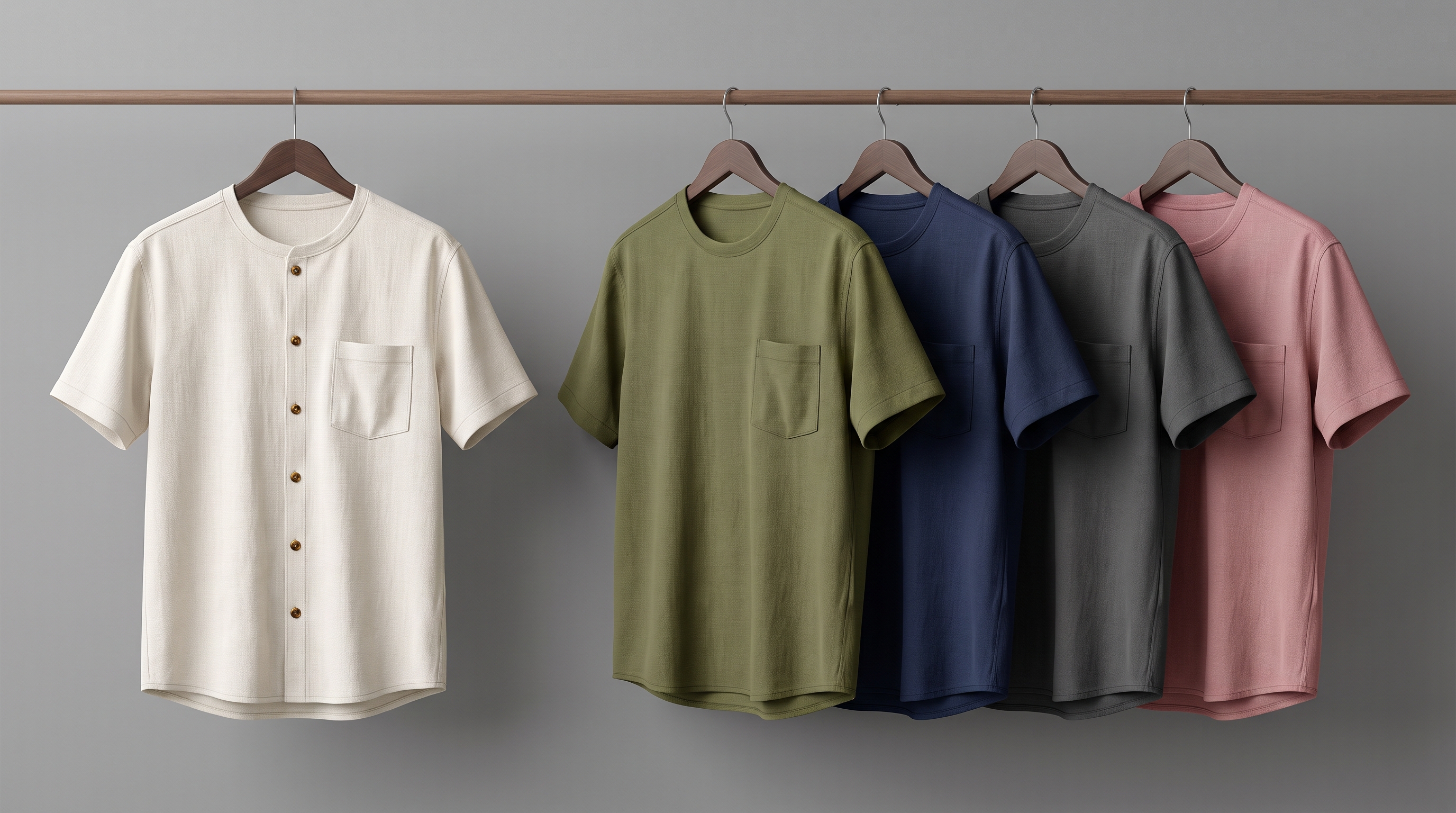
Scaling seasonal apparel drops across dozens of color variants often forces catalog teams into a painful trade-off: book expensive secondary studio reshoots for every shade, or rely on manual Photoshop recoloring that flattens fabric texture, distorts shadow gradients, and bleeds into seam stitching. Knowing how to generate apparel colorways from single photo inputs using texture-aware AI systems eliminates this bottleneck. By isolating the fabric surface while preserving intricate depth maps, lighting physics, and construction details, brands can produce thousands of flawless SKU variants from one master studio shot, as detailed in FlixStock's catalog production guide.
This guide breaks down the exact workflow catalog managers, post-production leads, and ecommerce merchandisers use to achieve automated apparel colorway creation at scale without compromising visual fidelity.
Why traditional batch recoloring flattens fabric texture and details
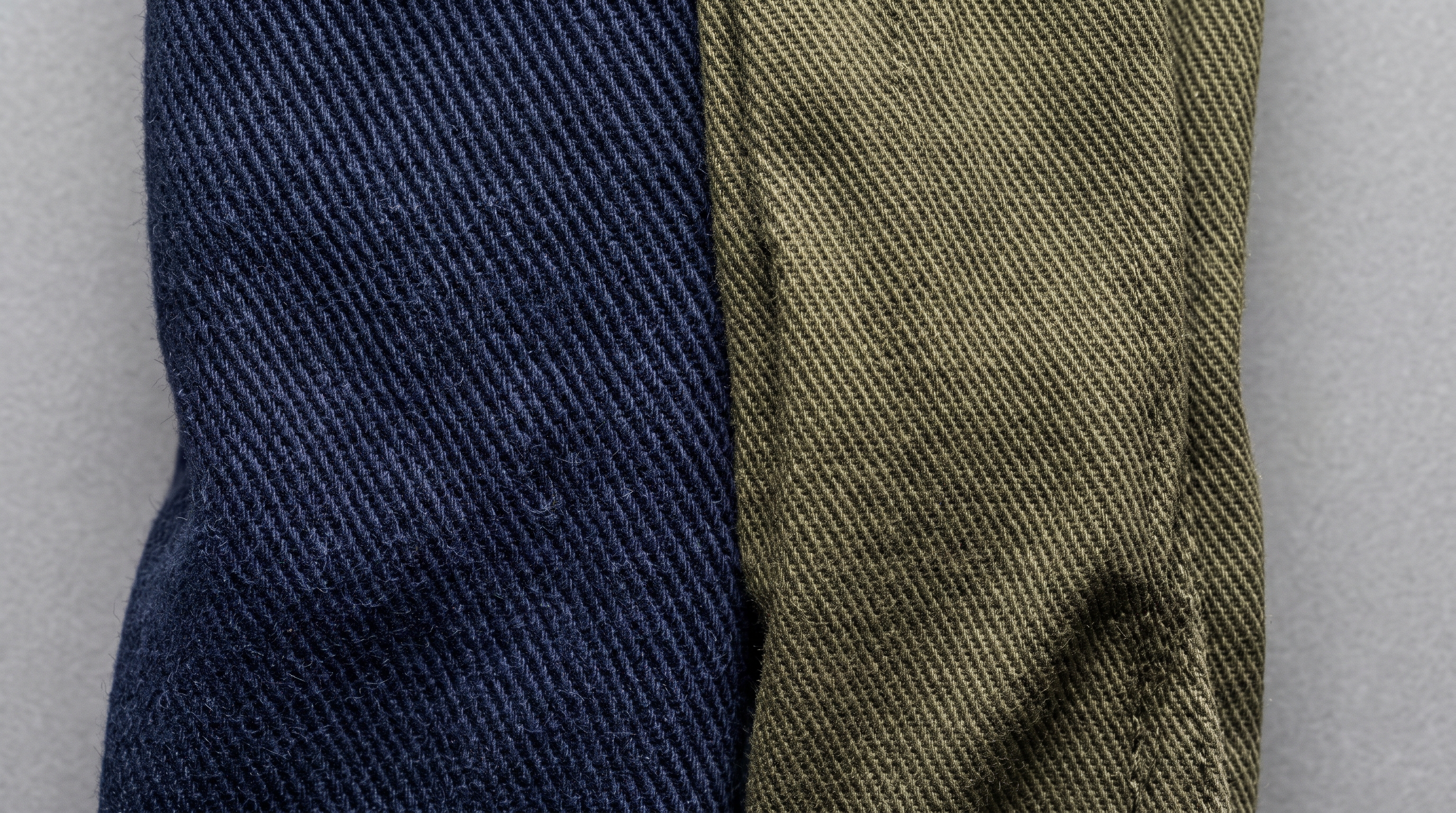
Traditional image editing pipelines rely on global adjustments like Hue/Saturation masks or color-replacement brushes. When applied to high-volume ecommerce catalogs, these techniques fail because color is inextricably linked to luminance and surface texture. A global color shift uniformly alters highlights and shadows, washing out delicate ribbing on knitwear, muting contrast in twill weaves, and shifting the tone of inner labels or contrasting drawstrings.
Furthermore, manual masking across hundreds of images introduces human error and massive operational overhead. When catalog teams need batch colorway creation apparel photo pipelines, traditional tools cannot dynamically separate diffuse reflectance from specular highlights. Texture-aware generation solves this by decoupling color data from the underlying fabric geometry, ensuring that a bright crimson red or a deep navy blue retains every nuance of the original studio lighting, as explored in garment consistency frameworks.
How to prepare a master garment photo for digital colorway generation
Automated colorway generation is only as precise as the input asset. To achieve flawless results across an entire color run, your master sample photo must meet rigorous baseline standards:
- High-Resolution Capture: Shoot the master sample under calibrated 5000K studio lighting to capture accurate base reflectance without clipping highlights.
- Neutral Background Separation: Ensure clean separation between the garment and background to allow automated silhouette masking.
- Wrinkle and Crease Management: Press or steam the master garment thoroughly; shadow artifacts from wrinkles will otherwise be incorrectly baked into the recolored variants.
- Accurate Color Profiling: Include an industry-standard color checker target in test shots to calibrate digital color coordinates against physical Pantone or textile swatches.
Proper preparation ensures that the AI generation engine maps new color values onto the correct specular layers rather than attempting to correct lighting flaws in downstream variants.
Step-by-step workflow for automated colorway creation across high-SKU drops

Transitioning from manual retouching to an automated apparel swatch recoloring software and AI pipeline streamlines production into five distinct operational stages:
- Master Ingestion & Segmentation: The system ingests the master product photo, automatically segmenting the garment into distinct anatomical regions (body, collar, cuffs, lining, hardware).
- Geometry & Texture Extraction: Advanced neural networks extract surface normals, weave texture maps, and shadow depth channels, creating a digital twin of the fabric's physical behavior.
- Color Palette Mapping: Merchandisers input approved pantone codes, hex values, or physical swatch scans for the upcoming drop variants.
- Texture-Aware Rendering: The engine applies the new color values through the extracted depth and shadow layers, preserving micro-shadows in pleats, ribs, and seams.
- Automated Quality Control & Export: Built-in computer vision checks verify color fidelity and export high-resolution assets directly to your PIM or ecommerce platform.
This create clothing color variants without reshooting methodology cuts turnaround times from weeks of studio scheduling to mere minutes per colorway collection.
| Production Dimension | Manual Photoshop Recoloring | Automated AI Colorway Generation |
|---|---|---|
| Time per SKU Variant | 45 to 90 minutes of manual masking | Under 2 minutes automated processing |
| Fabric Texture Retention | Often flattened or blurred by global filters | Preserved via texture-aware depth maps |
| Seam and Stitching Integrity | Requires tedious manual edge retouching | Automatically protected across anatomical layers |
| Color Accuracy & Consistency | Subjective human judgment per file | Spectrophotometer and ICC profile verified |
What is the best way to maintain color accuracy between digital swatches and physical fabric
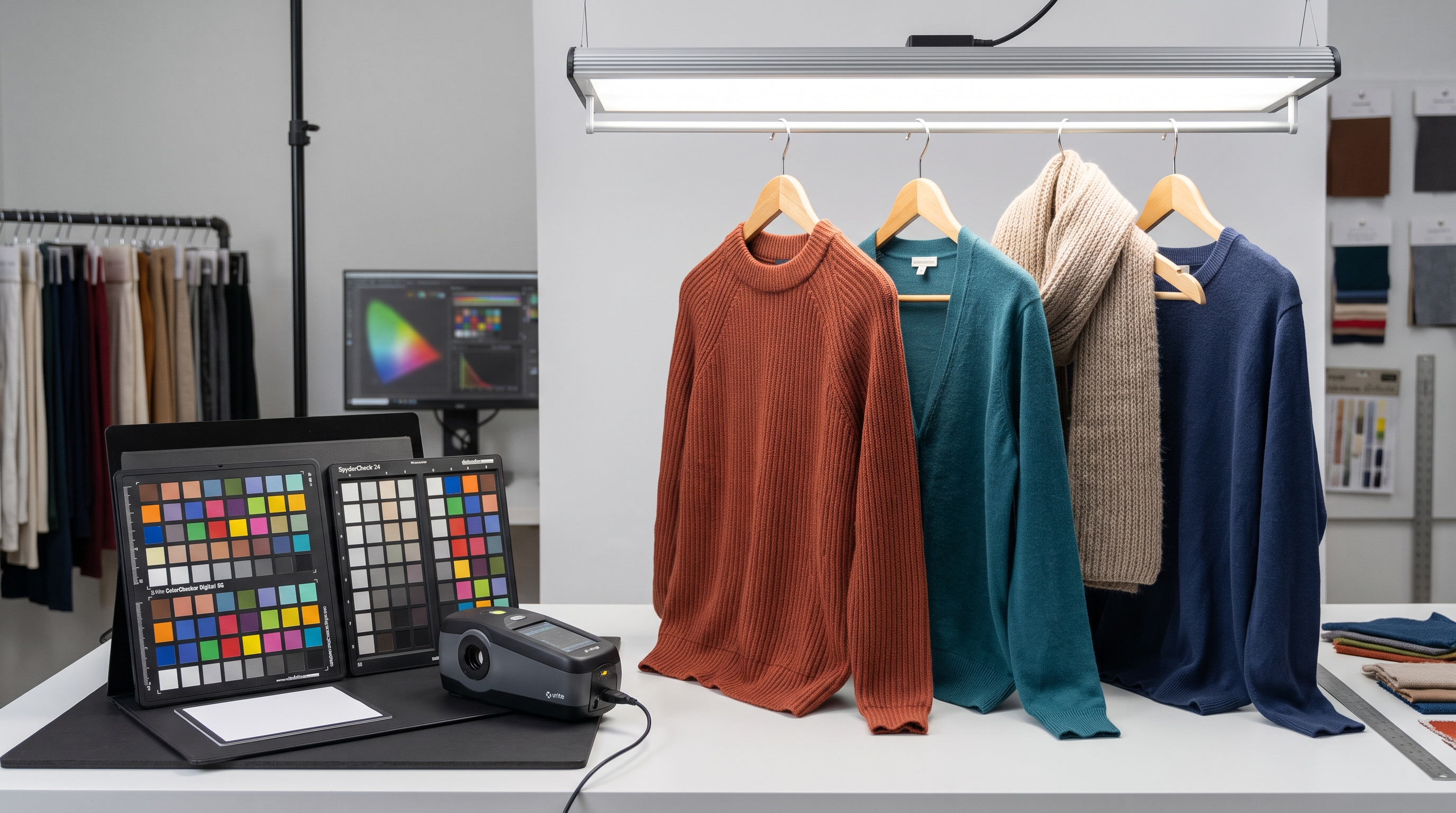
One of the most persistent challenges in digital merchandising is customer returns driven by color discrepancy between screen displays and delivered garments. Achieving true how to automate colorway image generation for ecommerce catalog compliance requires strict adherence to color management protocols.
Modern digital colorway systems utilize ICC color profile embedding and spectrophotometer-verified digital swatches. When an apparel brand links their enterprise resource planning (ERP) color library directly to the image production engine, every generated variant references verified textile dye lots. This eliminates subjective visual guesswork by editors and guarantees that the digital swatch displayed on a product detail page (PDP) matches the physical dye inside the shipping package.
Structuring multi-colorway assets for marketplace PDP compliance
Publishing multi-colorway catalogs across global marketplaces requires strict adherence to image naming conventions, aspect ratios, and metadata taxonomy. Major channels enforce rigid specifications regarding hero shot angles, zoom resolution, and background purity.
By automating the generation pipeline, media assets for every colorway inherit uniform cropping, centering, and color balance. When a shopper clicks from a charcoal grey hoodie to an olive green variant on your PDP, the image transitions smoothly without jarring shifts in framing or lighting angles. This visual consistency builds consumer trust and directly contributes to lower return rates across high-SKU apparel collections.