
In this article:
- How to convert flat lay to ghost mannequin using automated AI depth reconstruction
- Understanding the structural differences between flat lay and invisible mannequin assets
- Source image preparation guidelines for clean and precise apparel conversions
- Integrating automated ghost mannequin workflows into high-volume catalog post-production
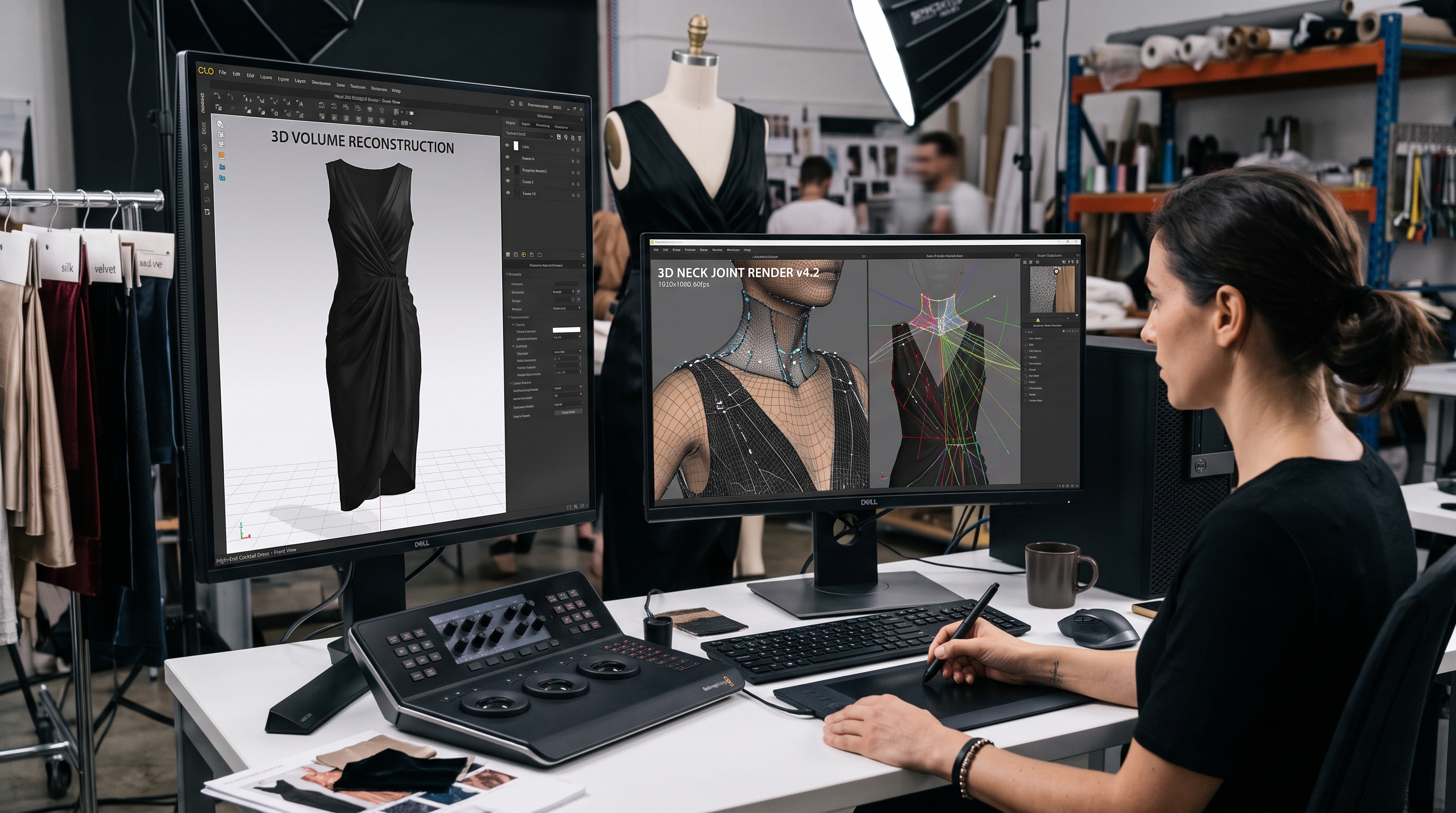
Catalog leads and post-production teams often have flat lay photos of apparel drops but need 3D ghost mannequin images to meet product display page standards. To successfully convert flat lay to ghost mannequin imagery at scale, e-commerce studios must adopt automated visual engines that eliminate the traditional bottlenecks of physical modular mannequin shoots and manual Photoshop compositing. By leveraging advanced artificial intelligence, brands can now instantly generate 3D volume and synthetic inner necklines from a single 2D photo input.
This comprehensive guide is designed for ecommerce catalog managers, retouchers, and studio leads seeking to automate 3D invisible mannequin production across high-SKU inventory. Let's examine the core mechanics, workflow integration strategies, and technical foundations that make flat lay conversion a scalable reality for modern fashion retail.
Introduction to AI-Powered Ghost Mannequin Conversion
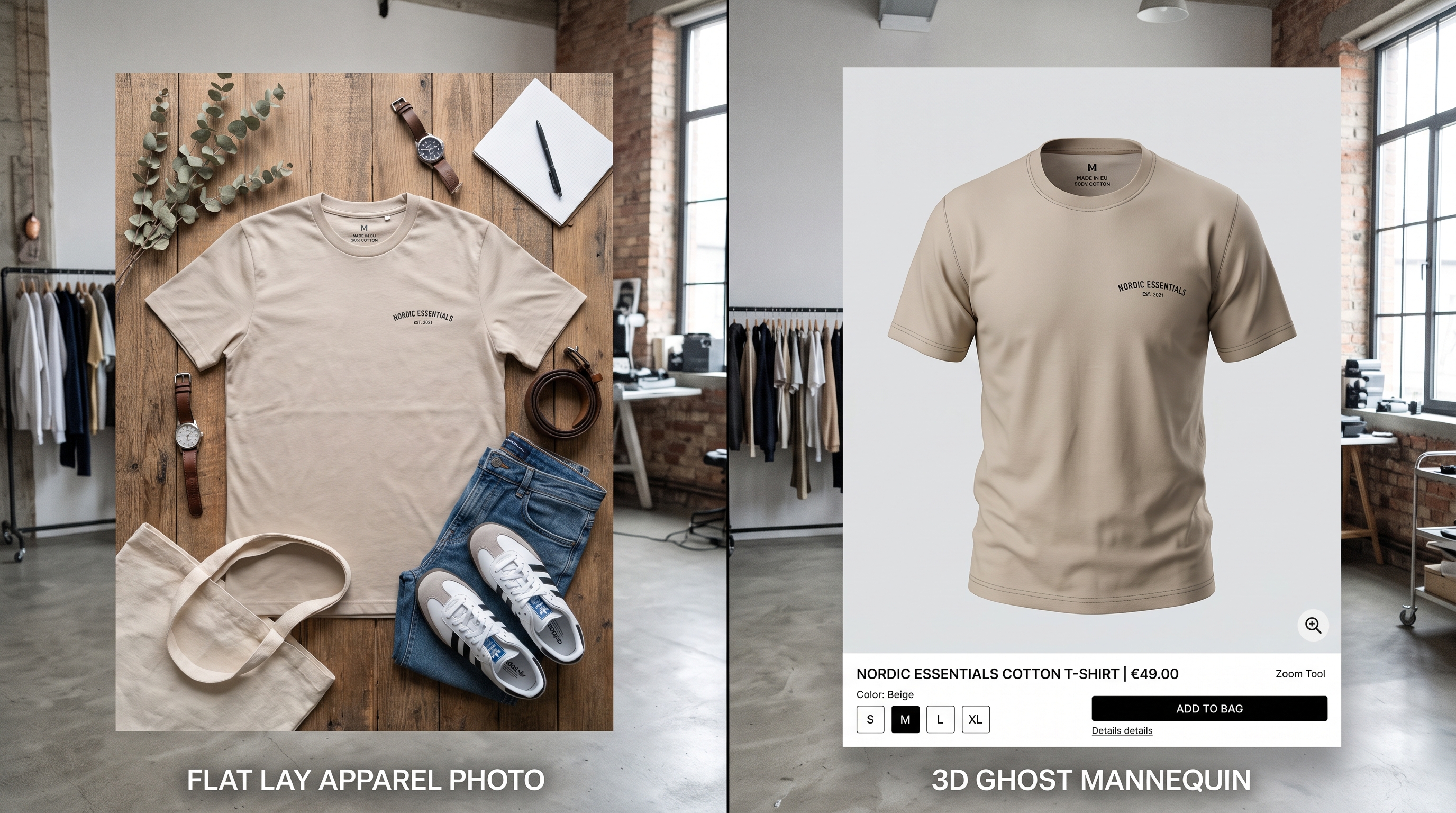
Flat lay photography captures garments laid out on a flat horizontal surface, emphasizing surface patterns, color accuracy, and overall garment layout. While efficient for social media and quick catalog overviews, flat lays lack 3D depth and fail to show how a garment drapes naturally on a human torso. Shoppers browsing product display pages (PDPs) frequently demand a more dimensional view to evaluate fit, structure, and neckline drape.
Ghost mannequin assets—also known as invisible mannequin or hollow-man-nequin photography—provide this crucial 3D depth by removing the physical support form during post-production. This creates the illusion that an invisible person is wearing the garment, revealing the inner neckline, collar tags, and back panel. Achieving this traditional asset has historically required photographing physical garments on modular mannequins and meticulously stitching multiple shots together in post-production.
Understanding the core difference between flat lay and ghost mannequin assets
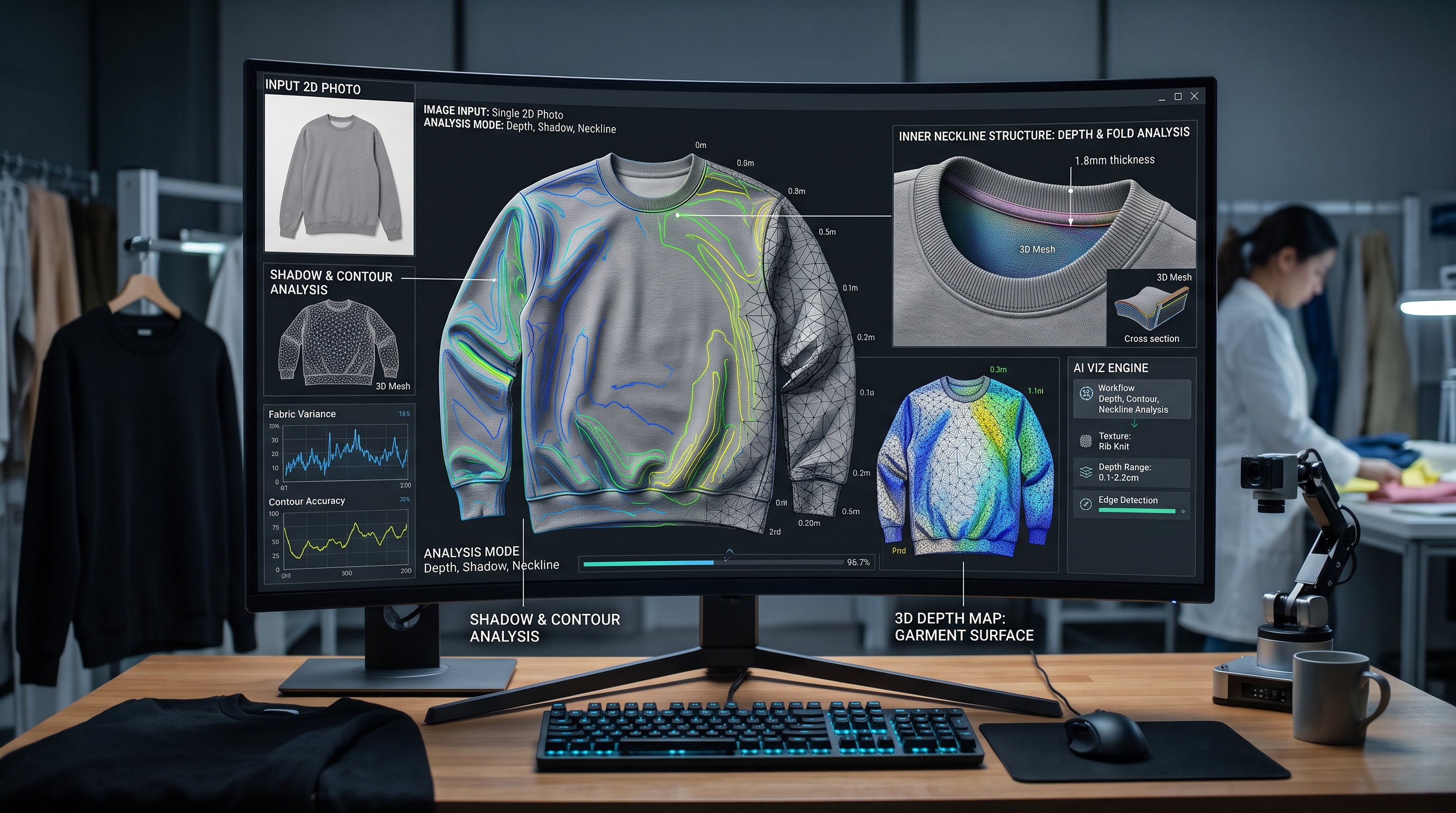
Modern automated visual systems utilize sophisticated AI depth reconstruction and structural inference to bridge the gap between 2D flat lays and 3D ghost mannequin standards. Instead of requiring physical modular mannequins, convolutional neural networks analyze the spatial geometry, shadow contours, and fabric drape present in the flat lay image. The engine then synthesizes the missing interior volume, inner collar lining, and rear neckline details.
This automated process overcomes a common misconception: that converting flat lay imagery to ghost mannequin assets requires shooting multiple angles on a physical modular mannequin. By utilizing deep learning models trained on vast apparel datasets, AI systems accurately predict how specific fabrics fold, stretch, and drape when suspended in a three-dimensional space, delivering a polished invisible mannequin effect directly from standard 2D flat photographs.
How does AI reconstruct 3D garment volume from flat lay photos automatically?
Achieving flawless automated conversions begins with proper source image capture. When preparing apparel drops for flat lay to 3D mannequin generation, studio operators must ensure that garments are ironed or steamed flat to eliminate unwanted wrinkles, creases, or folds that could confuse depth estimation algorithms. Consistent, diffuse studio lighting without harsh shadows ensures that fabric color and texture are accurately preserved during AI processing.
Additionally, centering the garment against a clean, high-contrast background simplifies edge detection and background removal. Providing high-resolution source files allows the visual engine to maintain fine details such as stitching, buttonholes, weave patterns, and brand labels, ensuring the final ghost mannequin asset meets the rigorous visual standards required for high-end e-commerce product display pages.
Preparing source images for clean and precise conversion results
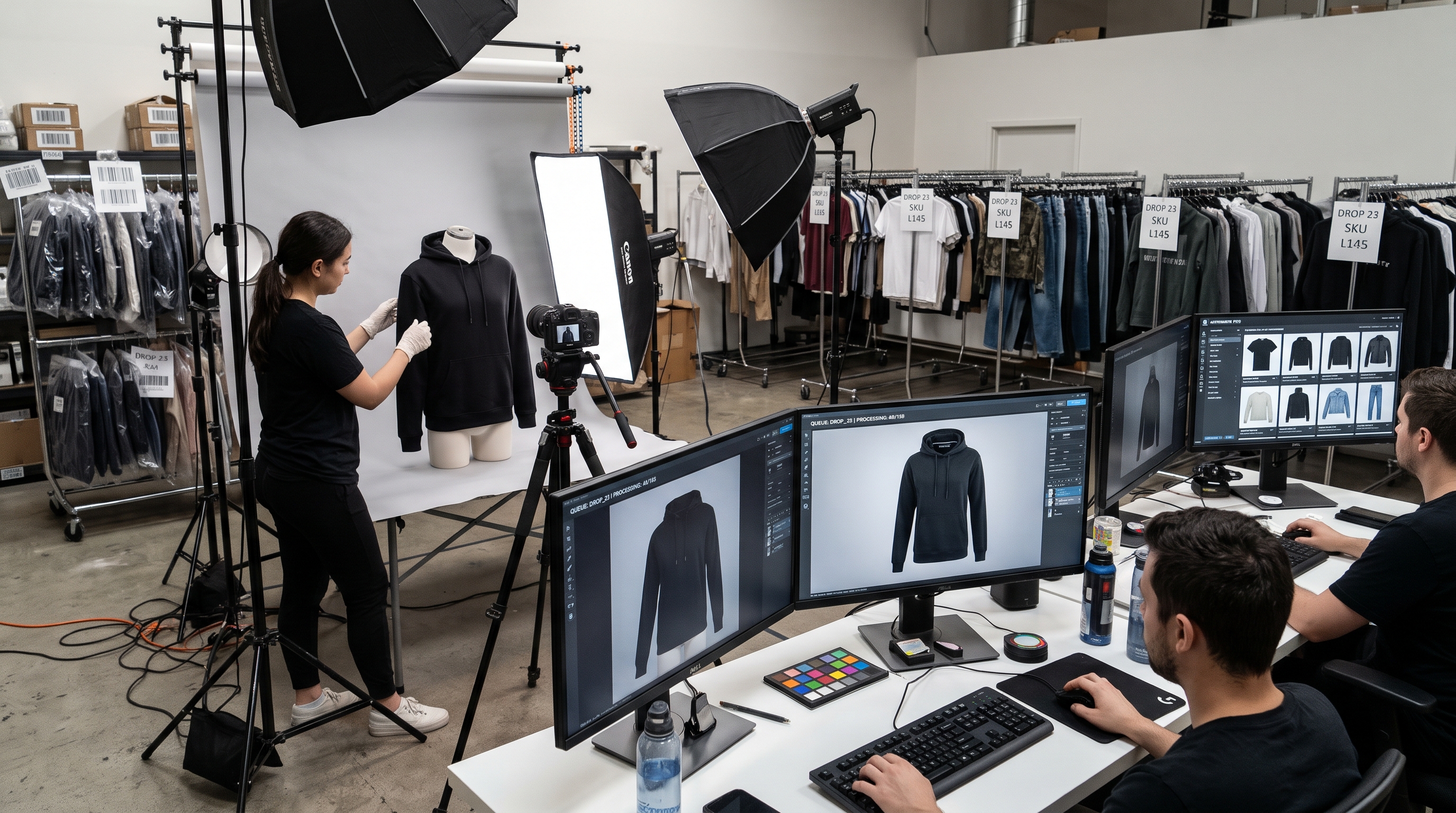
Scaling apparel catalogs across hundreds or thousands of SKUs requires moving away from manual retouching bottlenecks. Integrating automated ghost mannequin software into the visual supply chain allows studios to process entire seasonal collections instantly. When product images are ingested into an automated visual platform, raw flat lay photos are automatically segmented, depth-mapped, converted to ghost mannequin form, and exported in channel-compliant formats.
For deeper insights into streamlining asset creation across your catalog, explore our guides on how AI automates ghost mannequin production for fashion and speeding up your fashion image workflow with AI. Centralizing this pipeline ensures consistent visual branding, rapid time-to-market for new drops, and drastic reductions in production costs.
Why do automated visual engines outperform manual studio shoots?
Traditional ghost mannequin production is notoriously labor-intensive, requiring specialized studio space, modular mannequins, physical styling, and hours of painstaking Photoshop masking and neck-joint compositing per SKU. For fast-growing fashion brands managing frequent inventory refreshes, these manual processes create severe operational backlogs.
Automated conversion software transforms existing flat lay imagery into pristine 3D product assets in minutes. By eliminating physical mannequin shoots and manual retoucher interventions, fashion brands achieve remarkable operational agility, ensuring every product display page is populated with consistent, high-converting visual assets without inflating production overhead.
Here is a detailed comparison between traditional studio shooting and AI-powered conversion:
| Production Aspect | Traditional Ghost Mannequin Shoot | AI Flat Lay Conversion |
|---|---|---|
| Studio Requirements | Modular mannequins, physical studio space, lighting rigs | Single 2D flat lay photograph input |
| Processing Speed | Hours of shooting and manual Photoshop retouching per SKU | Instant automated 3D volume reconstruction in minutes |
| Catalog Scalability | Severe operational bottlenecks for large inventory drops | Seamless batch processing across thousands of SKUs |
Follow this step-by-step sequence to execute automated conversions successfully:
- Capture high-resolution, well-lit flat lay photos of your apparel drop against a clean background.
- Upload batch image files into the automated AI visual platform.
- Configure garment type parameters and neckline settings within the pipeline.
- Review generated 3D ghost mannequin assets and export channel-ready PDP files.