
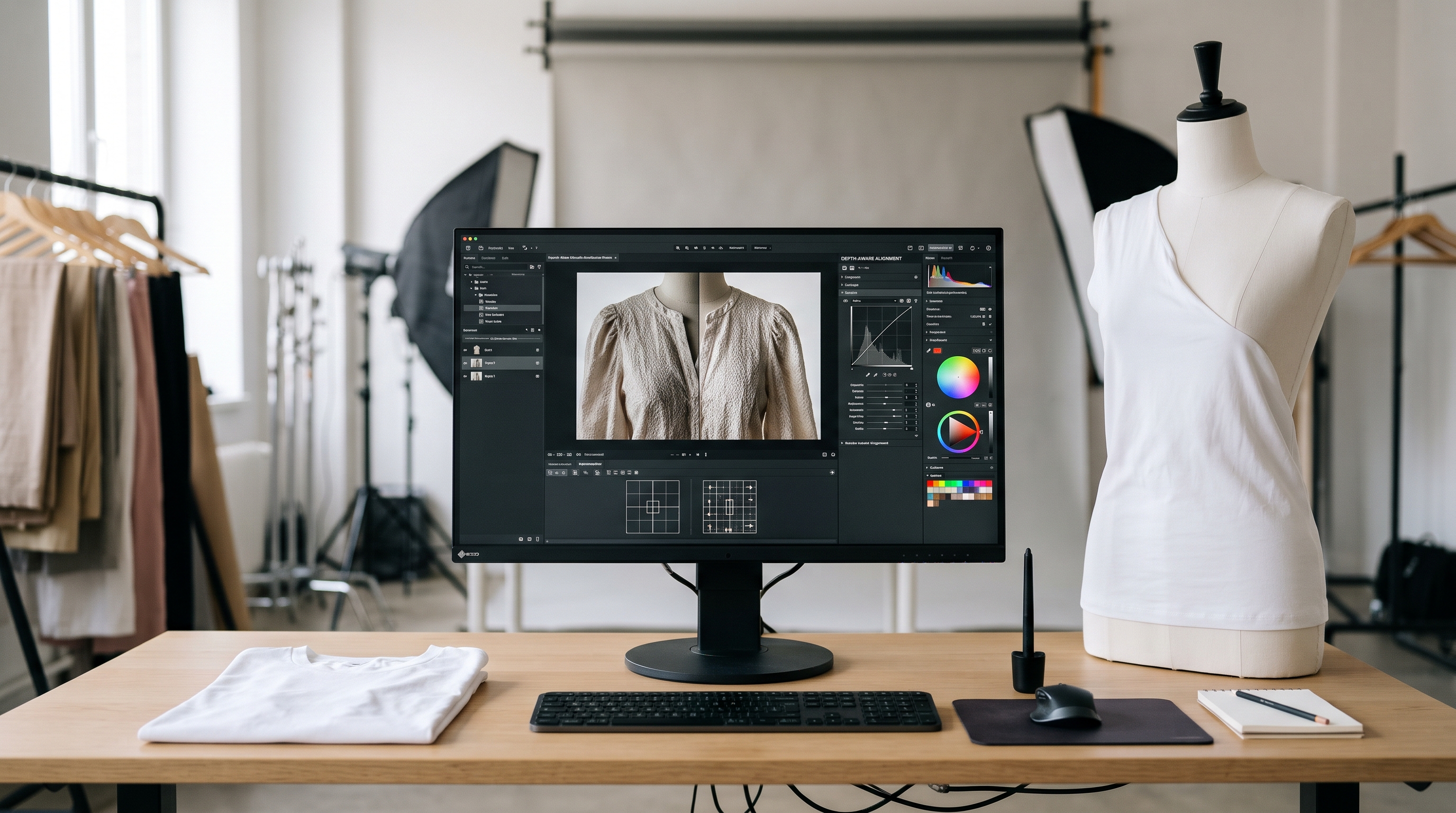
- Why manual Photoshop clipping path workflows create severe bottlenecks in ghost mannequin production.
- How to transition from manual multi-shot compositing to automated depth-aware alignment pipelines.
- What raw image inputs and collar captures are required for seamless automated inner neck reconstruction.
- How AI inpainting preserves fabric texture, grain, and interior label details across massive catalog drops.
Studio managers and post-production leads face a major editing bottleneck when generating ghost mannequin assets for thousands of SKUs, because manually stitching inner collar views (neck joints) in Photoshop requires double-shooting and manual clipping path work for every garment. To successfully automate ghost mannequin neck join post production workflow demands a fundamental shift from manual layer masking to intelligent, depth-aware asset reconstruction.
When launching massive seasonal collections, apparel brands cannot afford the compounding delays of hand-retouching interior neck labels and collar seams. Modern visual automation engines streamline this entire process, turning raw studio captures into pristine, invisible mannequin assets instantly.
Why does manual ghost mannequin neck joint editing create a post-production bottleneck?
The traditional ghost mannequin process relies on capturing two distinct photographs for every garment: an exterior shot on a mannequin torso and a secondary interior shot of the back collar lining. Retouchers must then isolate the interior neck piece using manual clipping paths, warp it to fit the neckline curvature, and meticulously blend shadows so the garment appears naturally filled by an invisible body. This ghost mannequin inner collar compositing step by step procedure consumes hours of painstaking labor per SKU.
When scaled across thousands of garments, this manual retouching bottleneck leads to bloated post-production budgets, missed retail deadlines, and inconsistent shadow rendering across colorways. Editorial teams find themselves bogged down in repetitive pixel manipulation rather than focusing on creative direction and merchandising strategy.
Can studio teams transition from manual Photoshop compositing to automated pipelines?
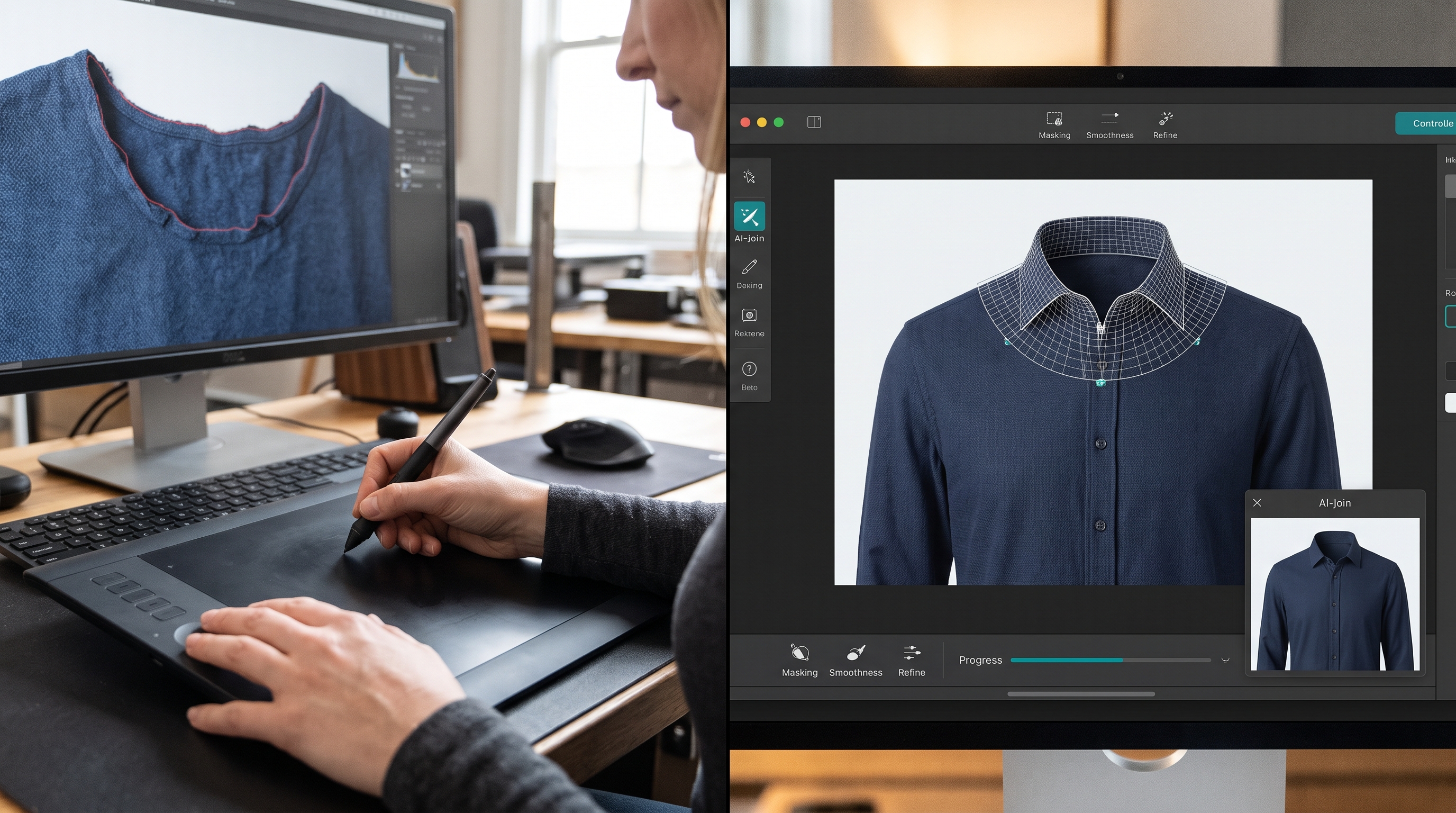
Transitioning away from manual Photoshop retouching begins with centralizing image intake into an automated visual pipeline. Rather than treating neck join stitching as an isolated manual task, automated ghost mannequin reconstruction platforms ingest the exterior and interior collar captures simultaneously. The system deploys automated neural alignment algorithms to stitch neck joint photos for invisible mannequin presentation without human intervention.
By establishing standardized preprocessing rules, studio teams speed up ghost mannequin retouching significantly. The automated engine detects neckline boundaries, aligns fabric grain lines, and executes precise blending across the inner neck join in milliseconds per image, eliminating backlog queues entirely.
What raw image inputs are required for automated inner collar reconstruction?
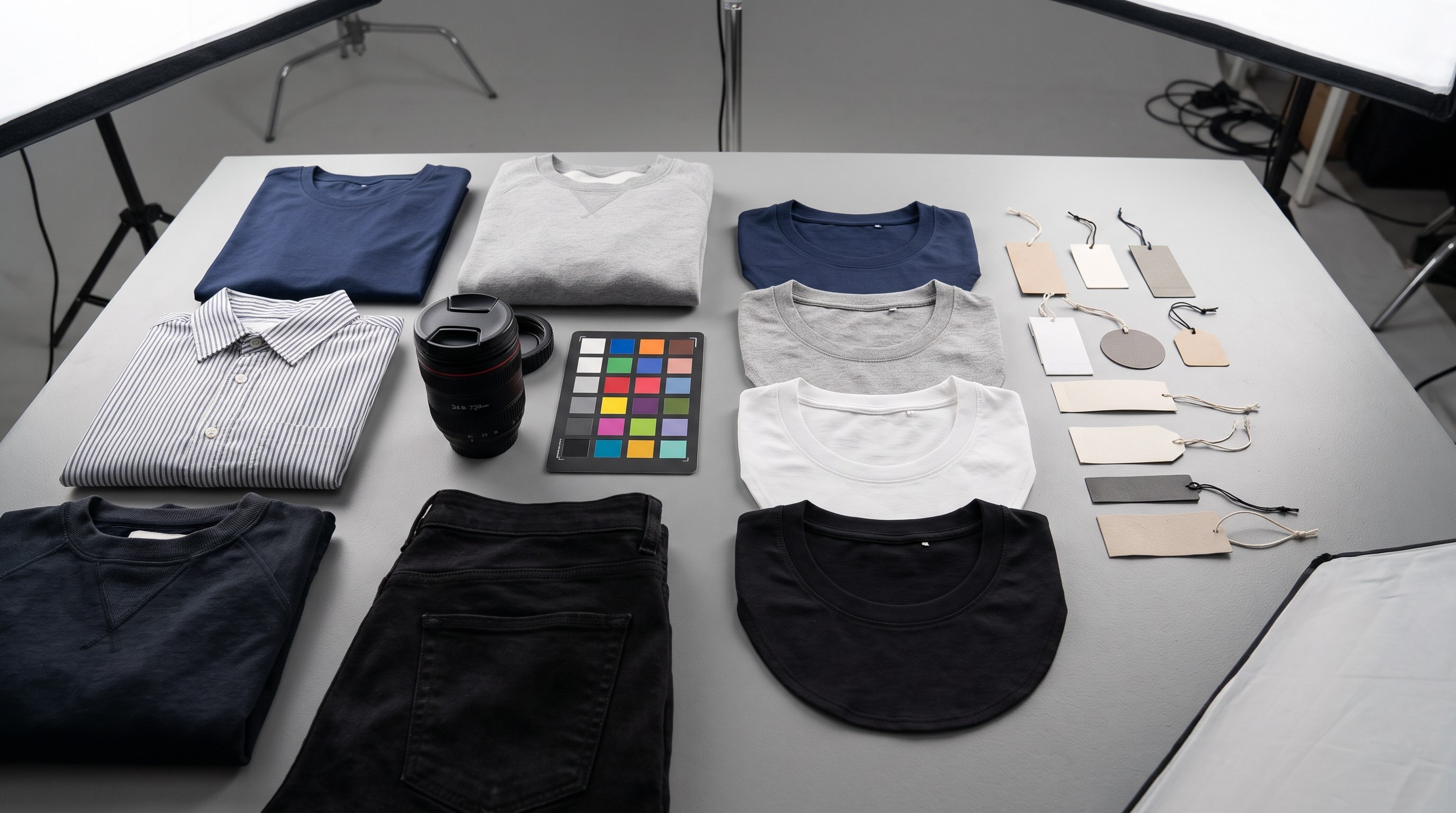
Executing an automated neck joint reconstruction for clothing catalog operations relies on clean, consistent raw image captures. While traditional workflows required rigorous double-shooting with exact dimensional matching, automated pipelines utilize flexible computer vision that can reconcile minor angle discrepancies between the outer garment shot and the inner back view editing for fashion e-commerce images.
Standardized inputs typically include a high-resolution front torso shot showing the open neckline and a corresponding back collar insert. The automation software analyzes anchor points along the shoulder seams and collar band, ensuring that the inner lining perspective matches the exterior drape perfectly before executing the final composite.
Will AI inpainting preserve fabric texture and label details during neck join processing?
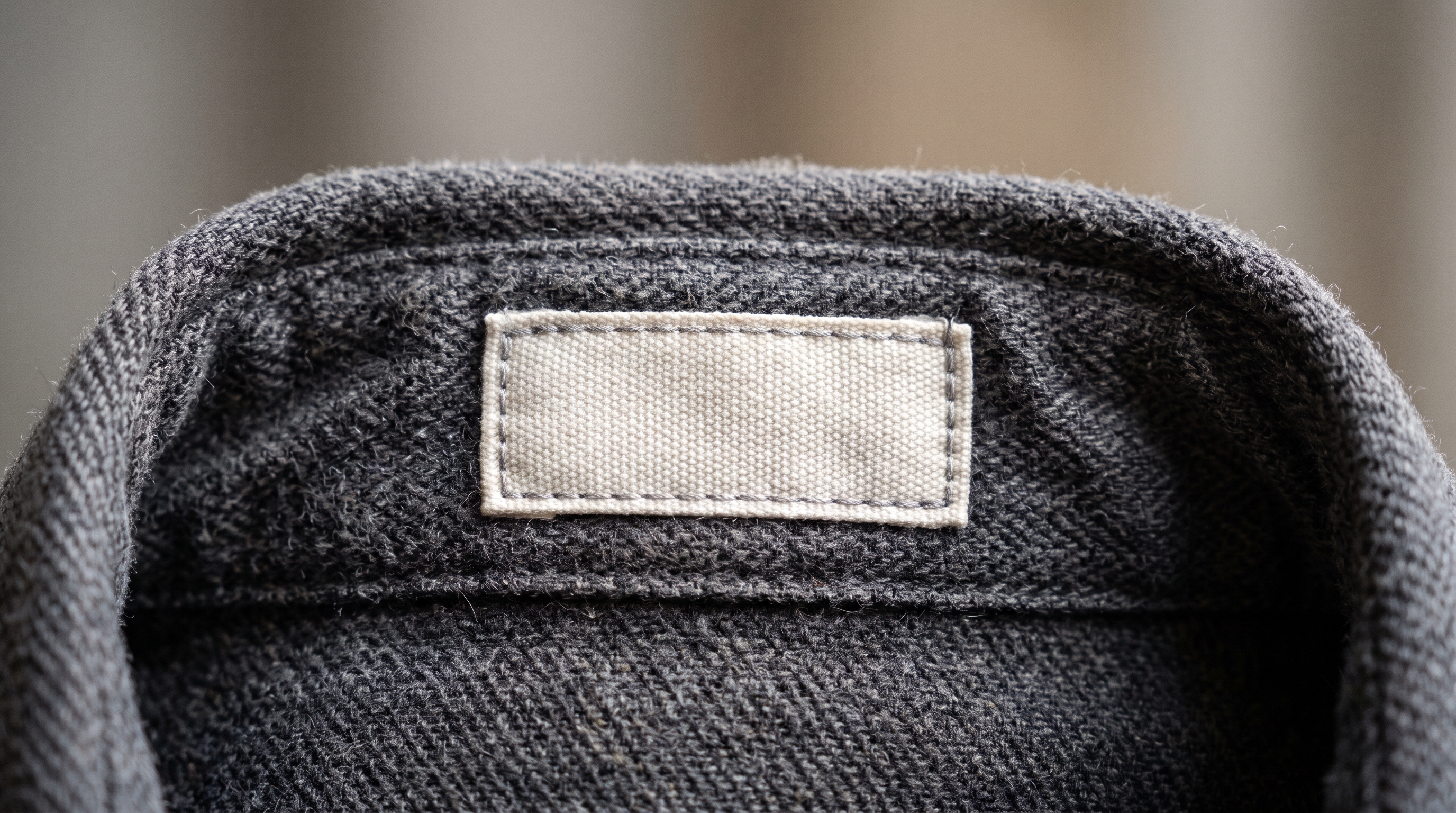
A primary concern among studio directors adopting AI ghost mannequin neck insertion workflow solutions is the preservation of delicate fabric textures, knit patterns, and printed brand labels inside the collar. Early automated tools often resulted in blurred fabric grain or distorted label typography around the neckline curve.
Modern visual engines overcome this by coupling semantic segmentation with neural inpainting. The system isolates the brand label and inner fabric weave as discrete layers, preserving their crisp typographic details while seamlessly blending the surrounding shadow gradients. This ensures that luxury knitwear, structured blazers, and technical sportswear retain their authentic tactile appearance without manual retouching touch-ups.
Workflow Comparison: Manual Photoshop vs. Automated Neck Join Pipelines
To evaluate the efficiency gains of automated collar compositing, consider the operational differences across key production metrics:
| Production Metric | Manual Photoshop Retouching | Automated Neck Join Pipeline |
|---|---|---|
| Time per SKU Neck Join | 15 to 30 minutes of manual masking | Instant automated inpainting (<5 seconds) |
| Collar Alignment Accuracy | Variable based on retoucher skill | Pixel-perfect depth-aware alignment |
| Catalog Scalability | Bottlenecked by retoucher headcount | Infinite scaling across thousands of SKUs |