


This article explains how fashion brands can systematically avoid product image rejection on major online marketplaces. It is for ecommerce leads and catalog managers who need to ensure compliance at scale without delaying launches. You will learn the specific technical and creative rules that cause rejections and a framework for producing compliant images consistently.
- Understand the top reasons for image rejection.
- Compare specific requirements for marketplaces like Zalando, Myntra, and Etsy.
- Build a pre-upload checklist for your creative team.
- Learn how visual content engines ensure compliance automatically.
Facing repeated image rejections from marketplaces is more than an operational headache; it's a direct block on revenue. For fashion brands, the complex and varied image requirements of platforms like Zalando, Myntra, and Amazon create a persistent bottleneck, delaying launches and consuming valuable studio resources on tedious rework.
Why do fashion product images get rejected by marketplaces most often?
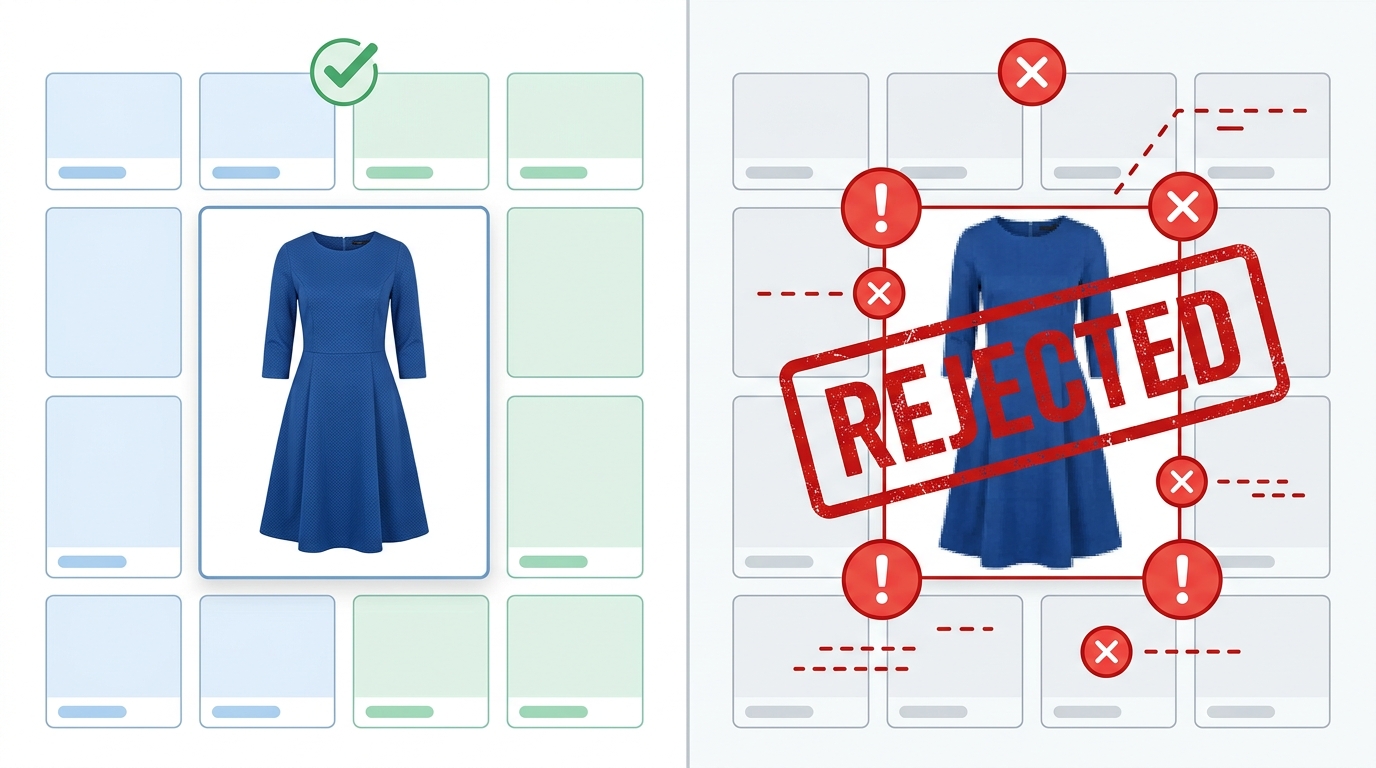
Image rejections almost always stem from a failure to meet a marketplace's specific guidelines, which fall into two categories: technical and creative. Technical failures are straightforward, like incorrect dimensions or file types. Creative failures are more nuanced and relate to how the product is presented.
Common rejection triggers include:
- Incorrect Backgrounds: Most marketplaces mandate a pure white or light neutral background to maintain a uniform look. Any hint of color, texture, or props in the primary image can lead to instant rejection.
- Wrong Dimensions & Aspect Ratios: Each platform optimizes its grid layout for a specific image shape. An image perfectly cropped for Instagram's square format will be rejected by a marketplace that requires a 3:4 portrait ratio.
- Low Resolution: Images that appear pixelated or blurry, especially when zoomed in, are rejected. Marketplaces need high-resolution files to provide a good customer experience and often have minimum pixel requirements (e.g., 1000px on the longest side).
- Watermarks, Logos, or Text: Marketplaces are not advertising platforms for your brand. Any overlay of brand logos, promotional text, or watermarks on product images is universally forbidden.
- Inconsistent Model Presentation: Some platforms have strict rules about model poses, facial expressions, or whether models should be "headless" to keep the focus purely on the garment.
The Cost of Non-Compliance
Beyond the immediate frustration of a rejected image, non-compliance has tangible business costs. Each rejection notice triggers a cycle of rework that pulls resources away from new product launches. If a product misses its go-live date on a major marketplace during a key shopping season, the lost sales opportunity can be substantial. Furthermore, repeated compliance failures can sometimes impact a seller's standing on a platform, leading to lower visibility or even account suspension in extreme cases. Therefore, treating image compliance as a critical, proactive part of the content workflow, rather than a reactive fix, is essential for sustainable ecommerce growth.
How do marketplace image requirements differ across fashion platforms?
The misconception that a single set of "good" product images will work everywhere is a costly one. In reality, every channel has its own rulebook tailored to its audience and user interface. A brand selling across multiple platforms must treat each as a distinct output destination.
For example, research from Graswald AI (2026) highlights the extreme variance:
| Marketplace | Typical Image Specification |
|---|---|
| Zalando | 1801 × 2600 px, JPG, 300 DPI |
| Amazon | 2880 × 3840 px, PNG, 72 DPI, often requiring headless models |
| About You | 1500 × 2000 px, JPG, 96 DPI |
| Etsy | Recommends 2000px on the shortest side, more flexible on background for lifestyle shots. |
| Shopify | While flexible, best practice is high-resolution square images (e.g., 2048 x 2048 px) for consistent zoom functionality. |
What are the core technical specifications for marketplace images?
Beyond the creative rules, technical compliance is non-negotiable. Getting these details right is the first step to avoiding rejection. As noted by Sales Layer (2021), a good size and resolution is fundamental. Catalog managers should maintain a master checklist of these core requirements for each channel to ensure every image passes muster. Even minor deviations can lead to automated rejections, so precision is key.
- Resolution: Always shoot and edit in the highest possible resolution. A common minimum is 1000-1200 pixels on the longest side, but premium marketplaces often require 2000 pixels or more to enable high-quality zoom. Downsampling from a high-resolution master file is always preferable to upscaling a smaller image.
- Aspect Ratio: This is the ratio of width to height. It's crucial for how the image fits into the marketplace's grid. Common ratios in fashion include 1:1 (square), 3:4 (portrait), and 4:5. Cropping a single master image to these different ratios can cut off parts of the product if not done carefully, so planning shots with multiple crops in mind is a professional workflow.
- File Type: JPG is the most common format for its balance of quality and file size. PNG is required when a transparent background is needed. WebP is gaining traction for its superior compression but is not yet universally supported, so check each marketplace's current guidelines before submitting in this format.
- File Size: Most marketplaces have a file size limit (e.g., under 5MB) to ensure fast page loads. Images must be optimized for the web, compressing them as much as possible without sacrificing visible quality. Tools like Photoshop's "Save for Web" or online image compressors can achieve this.
- Color Profile: Use the sRGB color profile. It is the web standard and ensures colors look consistent across different browsers and devices. Using other profiles like CMYK (for print) will result in noticeable color shifts online, misrepresenting your product.
Can AI-powered content engines ensure consistent compliance?
For brands with large catalogs selling on multiple channels, manually checking and re-formatting thousands of images per season is not sustainable. It's slow, error-prone, and a poor use of creative talent. This is where AI-powered visual content engines change the equation.
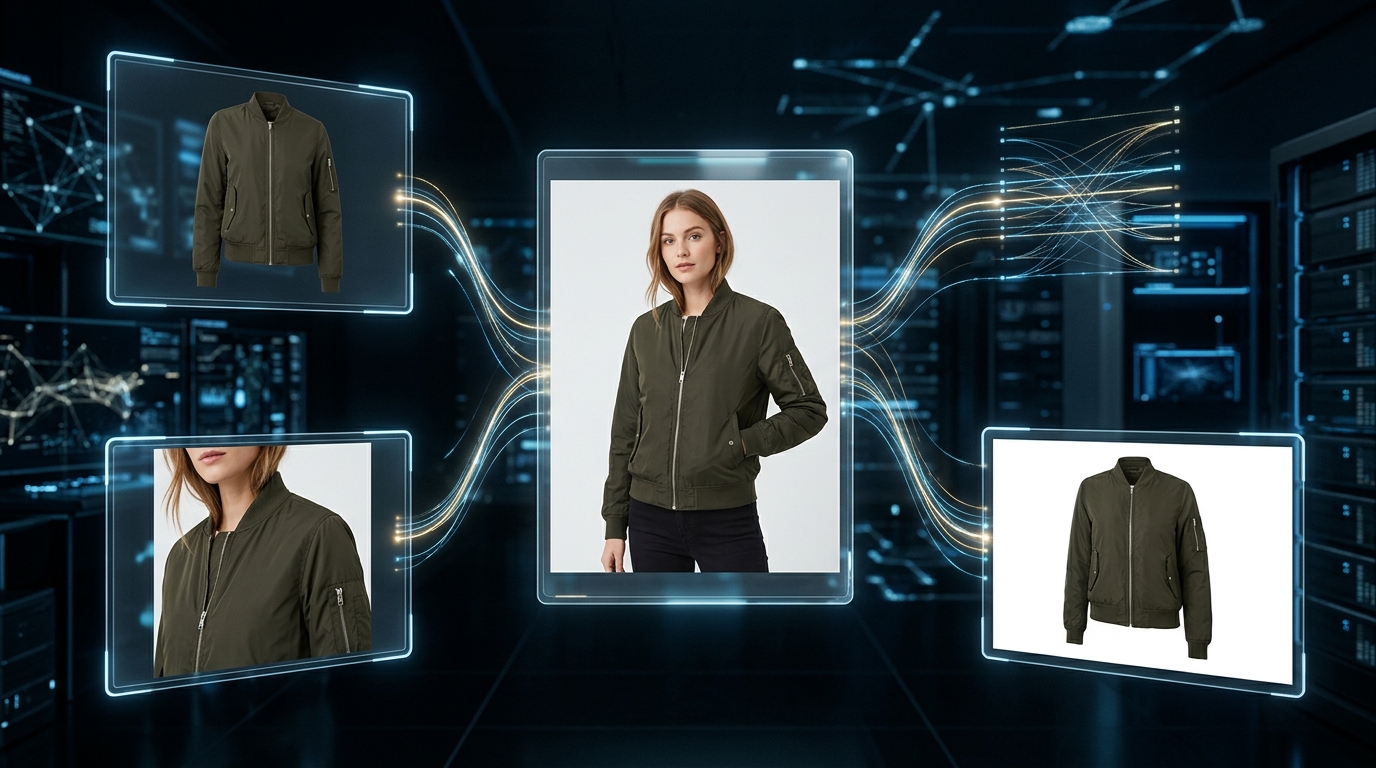
Instead of treating compliance as a manual post-production step, these platforms build it into the content generation process. According to Graswald AI (2026), attempting to automate this with simple batch-resizing scripts often fails because they "cannot handle the reframing," leading to visually incorrect crops. A true content engine understands the product and the channel requirements simultaneously.
FlixStock, for example, allows a brand to upload a single source image of a garment. The platform's AI can then generate every required variation—on-model, different backgrounds, multiple aspect ratios, and file types—pre-formatted for each specific marketplace's rulebook. The output isn't just a resized image; it's a fully compliant, ready-to-upload asset. This removes the bottleneck entirely, ensuring that every image is correct from the moment it's created. This approach not only saves countless hours of manual work but also accelerates speed-to-market, a critical advantage in the fast-moving fashion industry. Furthermore, by centralizing visual asset creation, brands can maintain a higher level of consistency and quality control across all their sales channels, reinforcing brand identity and customer trust.
Is there a pre-upload checklist to prevent image rejection?
A simple checklist can prevent most common rejections. Before uploading any batch of images to a marketplace, have your studio or ecommerce team run through these points for each channel. This discipline ensures that easily avoidable errors don't derail your launch schedule.
- Check the Marketplace's Latest Guidelines: Rules can change. Spend two minutes on the marketplace's seller portal to confirm their current image specifications. Don't rely on last season's memory.
- Verify Image Dimensions & Aspect Ratio: Is the image cropped to the exact pixel dimensions required (e.g., 1801x2600 for Zalando)?
- Confirm Background Color: Is the background pure white (hex #FFFFFF) or the specified neutral color? Use an eyedropper tool to check; "off-white" will be rejected.
- Inspect for Overlays: Are there any watermarks, logos, borders, or text on the image? The image should contain only the product.
- Review Resolution and File Size: Is the image high-resolution (e.g., >1MB) but still under the marketplace's size cap (e.g., <5MB)?
- Assess the Full Image Set: Does the set of images provide a complete view of the product? (front, back, details). Sales Layer (2021) emphasizes showing the product "from different angles and in detail."
- Check Naming Conventions: Does the filename follow the required structure (e.g.,
SKU_view.jpg)? Incorrect filenames can cause processing errors even if the image itself is perfect.