

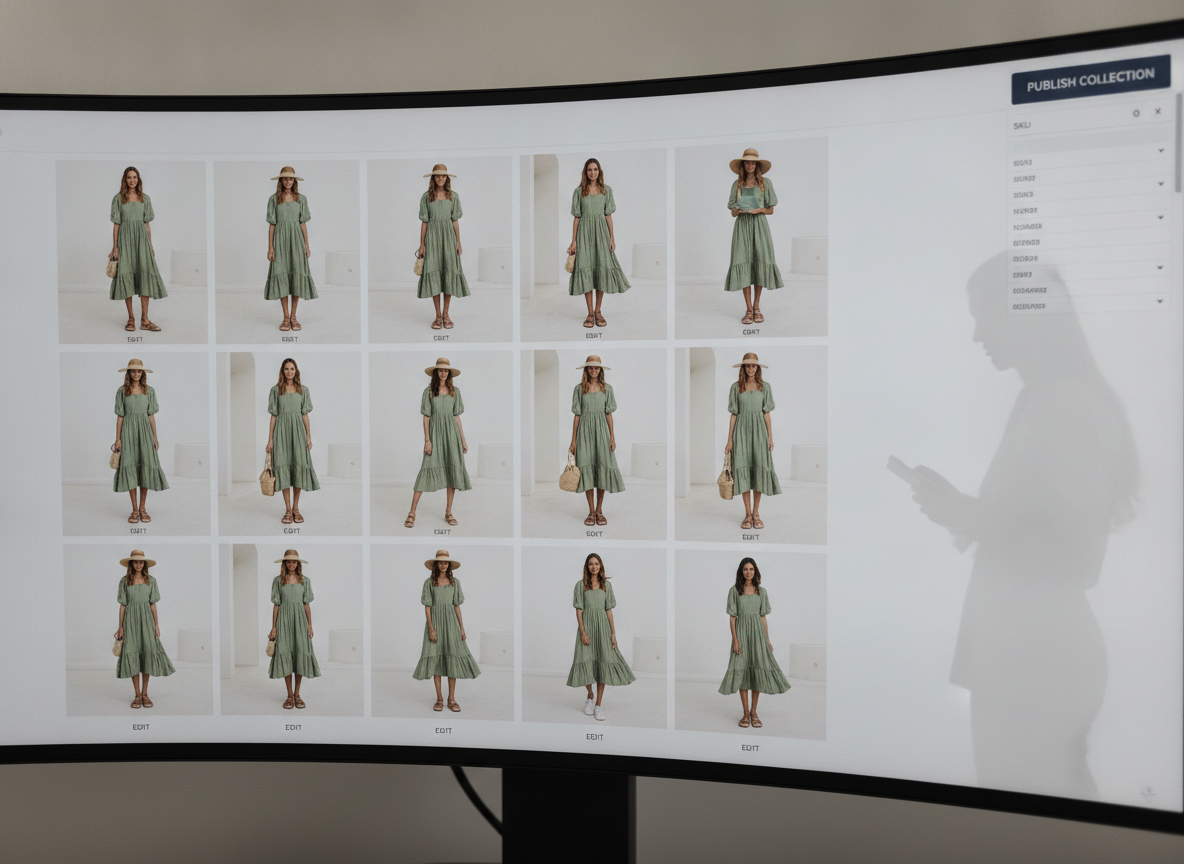
FlixStock AI Platform — Validating on-model generation from a source garment
Brands need on-model presentation, but physical shoots require heavy coordination and expense. This guide details how catalog teams can replace traditional photoshoots with AI on-model imagery to scale their product detail pages.
- The operational burden of traditional fashion photoshoots
- How the AI workflow decouples the garment from the model
- QA criteria for evaluating AI garment fidelity and fit
- Testing AI imagery with FlixStock before fully replacing a shoot
Why do fashion brands still struggle with on-model imagery when they already have high-quality product photography? The answer lies in the limitations of the flat lay. Shoppers need to see how a garment drapes, fits, and moves on a human body. According to Color Experts International (2026), high-quality product images can increase conversion rates by up to 94%. However, putting every SKU on a model involves a massive operational burden.
What is the operational burden of traditional production?
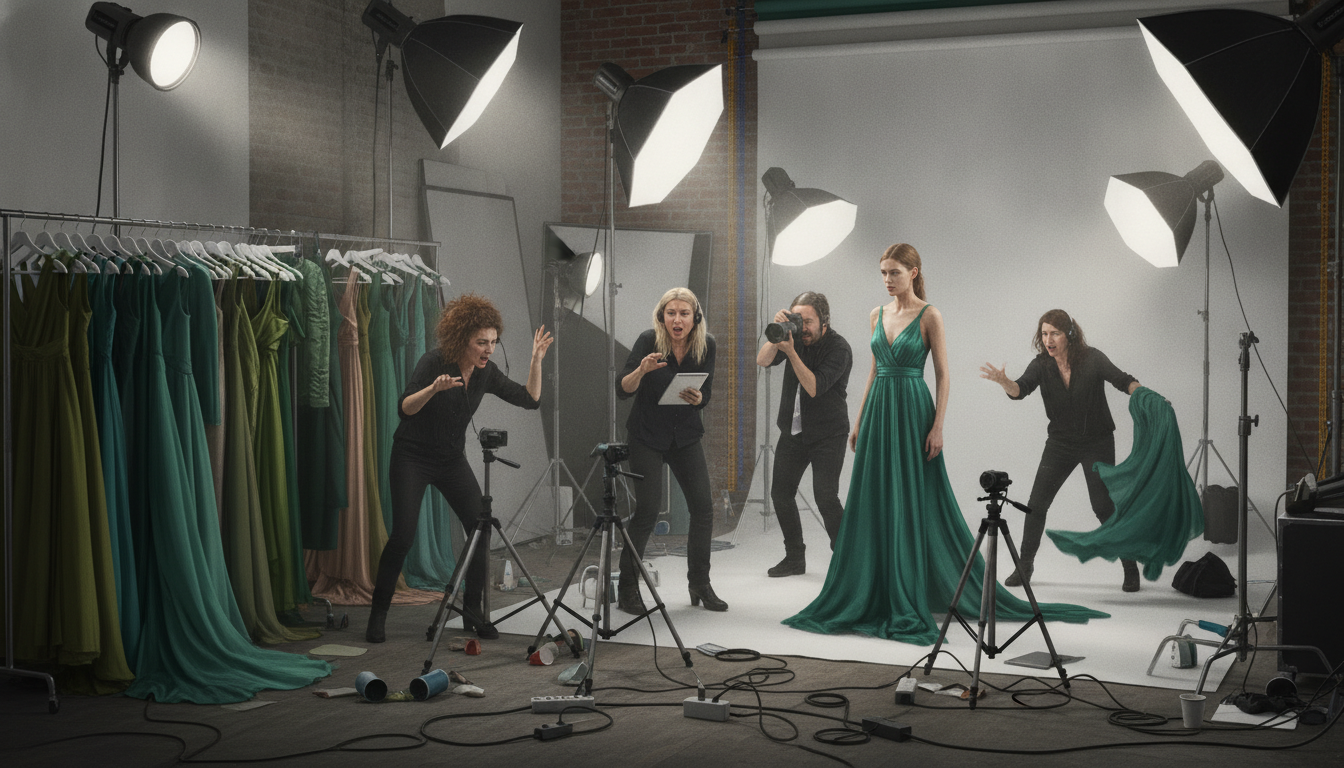
To produce a traditional catalog shoot, teams must execute a complex sequence of dependencies. The workflow requires model selection, casting, studio or location booking, styling, photography, retouching, and meticulous scheduling. If a shipment is late or a model falls ill, the entire production stalls. When fashion return rates sit at an average of 25% (WISEPIM, 2026), brands are forced into this expensive cycle repeatedly to ensure shoppers get the visual context they demand.
Why does the AI workflow beat traditional scaling?
AI fundamentally changes this pipeline. Instead of a linear, physical shoot, the process becomes digital and asynchronous. The AI workflow follows this sequence: Product image → garment understanding → model selection → on-model generation → quality review → PDP deployment. Once core on-model stills are in place, automated on-model PDP imagery can extend the same workflow to long-tail SKUs. Consider a fictional product, a "green linen wrap midi dress." In the traditional model, this dress is shipped, styled, and shot once. In the AI workflow, a single flat lay or ghost mannequin shot of the green dress is uploaded, analyzed, and mapped onto any digital model, instantly ready for the catalog.
Generating the model vs. placing the garment
There is a critical distinction between generating an AI fashion model and accurately placing a real garment on that model. Standard generative AI can create a beautiful image of a woman wearing a green dress. But for eCommerce, it must be your exact green linen wrap dress. The technology must lock the source product's pixels and dynamically render the model and environment around it.
| Strictly Preserved (The Garment) | Dynamically Changed (The Context) |
|---|---|
| Garment identity and exact color | Model demographics and body type |
| Cut, silhouette, and proportions | Pose and styling (accessories) |
| Print, pattern, and logos | Background and location |
| Construction and visible details (seams, buttons) | Lighting atmosphere |
| Believable fit and drape | Campaign or seasonal context |
A practical QA checklist for AI imagery
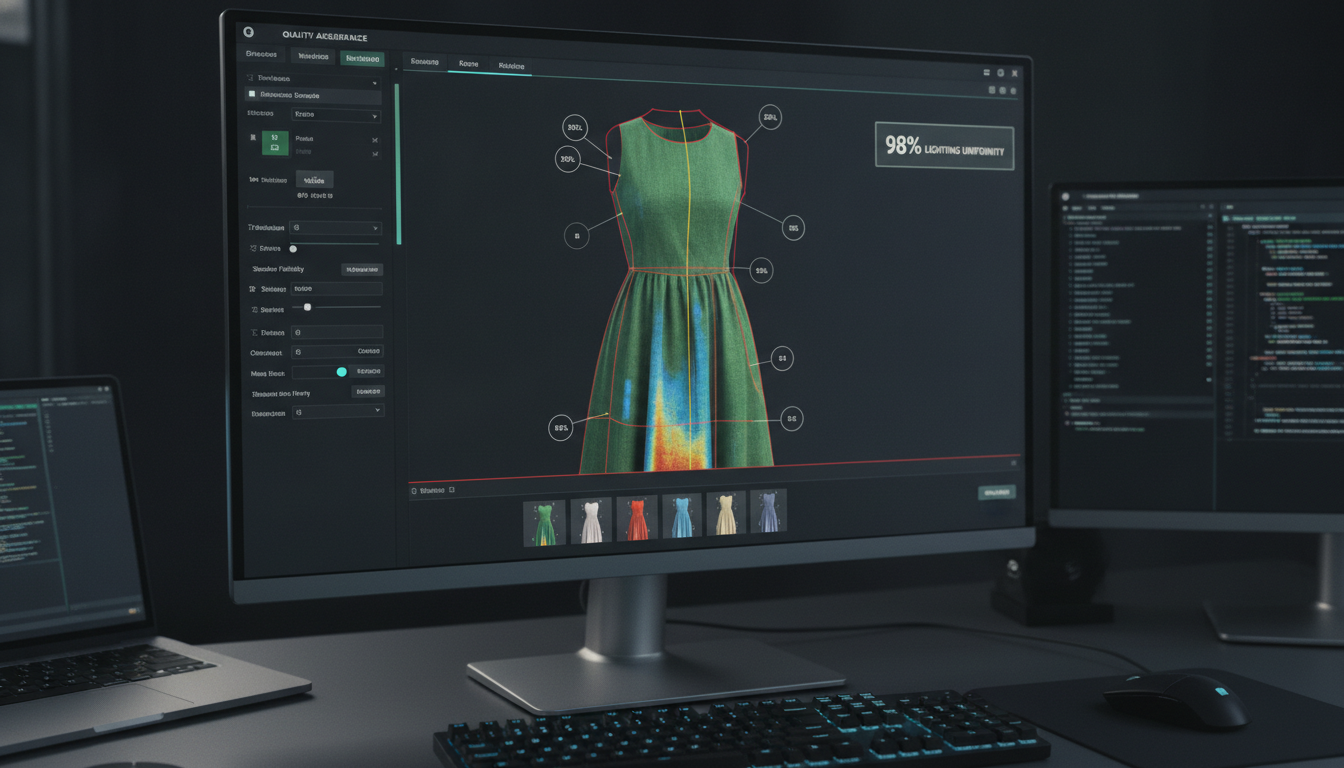
Quality assurance is the gatekeeper between a generated image and a live PDP. When reviewing AI on-model imagery, catalog teams must evaluate specific criteria. Garment fidelity is paramount—are the seams intact, and is the color accurate? Fit must appear natural to gravity. Crucially, human anatomy (hands and limbs) must be flawless. Lighting and shadows must match between the inserted model and the generated background, ensuring batch consistency across the entire product line.
How to test before replacing a photoshoot
- Select a small SKU cohort (e.g., 10 to 20 products) representing different fabrics and fits.
- Process these SKUs through the AI workflow to generate on-model variations.
- Establish measurable quality criteria based on the QA checklist above.
- Conduct human review with your merchandising team to ensure brand standards are met.
- A/B test the AI imagery on live PDPs against flat lays to validate conversion lift.
Inside the FlixStock engine: Powering on-model generation
FlixStock serves as the engine for AI on-model imagery, utilizing Meta Models for producing model-based fashion content from simple product inputs. Rather than replacing your creative team, it replaces the logistical friction. By locking the garment's identity and allowing endless model and styling variations, FlixStock ensures your PDPs always have accurate, localized on-model presentation without the cost of a physical shoot. See the workflow in action at the FlixStock demo.
Connecting PDP content to downstream performance
While FlixStock solves the catalog challenge, this imagery also fuels growth. The same on-model assets generated for the PDP can be leveraged by performance marketing teams — for example as AI on-model fashion ads or through Performance Loop's AI model workflow, where the model, scene, and hook are connected to downstream campaign performance.