
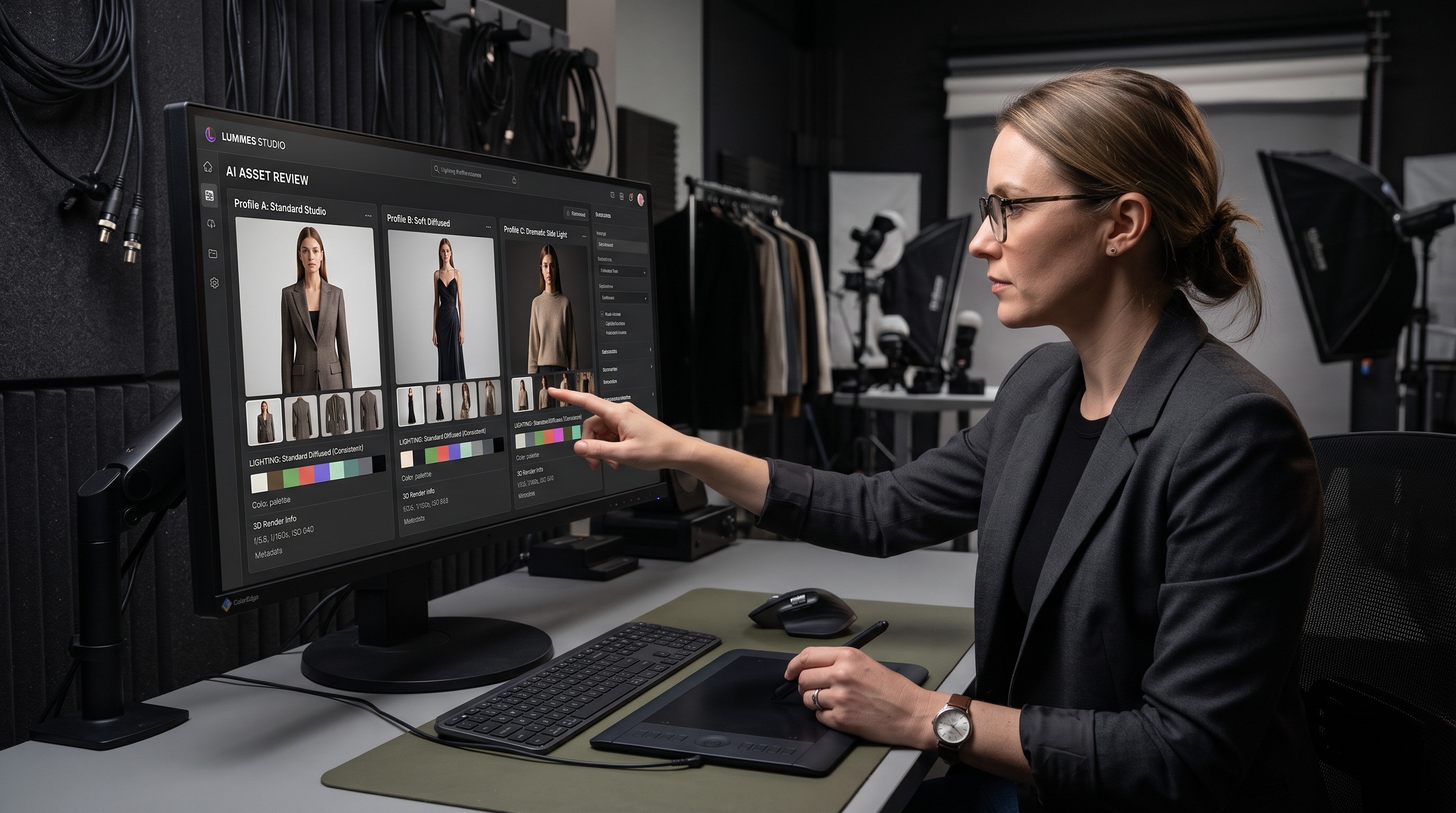
- How to achieve consistent lighting across fashion catalog assets without expensive manual retouching.
- The root causes of lighting drift between separate studio sessions, teams, and locations.
- How to standardize lighting profiles and key-to-fill ratios for a uniform brand look.
- Leveraging AI visual automation pipelines to apply reference lighting parameters at scale.
Maintaining how to maintain consistent lighting in fashion product images is one of the most persistent operational hurdles for ecommerce and studio leads managing thousands of SKUs. When product photos are captured across different shoot days, by changing teams, or in varied studio setups, subtle variations in color temperature, key-to-fill ratios, and drop shadow angles create noticeable lighting drift. This inconsistency makes product detail pages (PDPs) look disjointed and unprofessional, while manual color grading and retouching across thousands of derivatives is prohibitively slow and expensive. This guide explores how automated visual workflows and AI pipelines solve lighting consistency at catalog scale.
Why lighting inconsistency happens in high-volume fashion catalogs
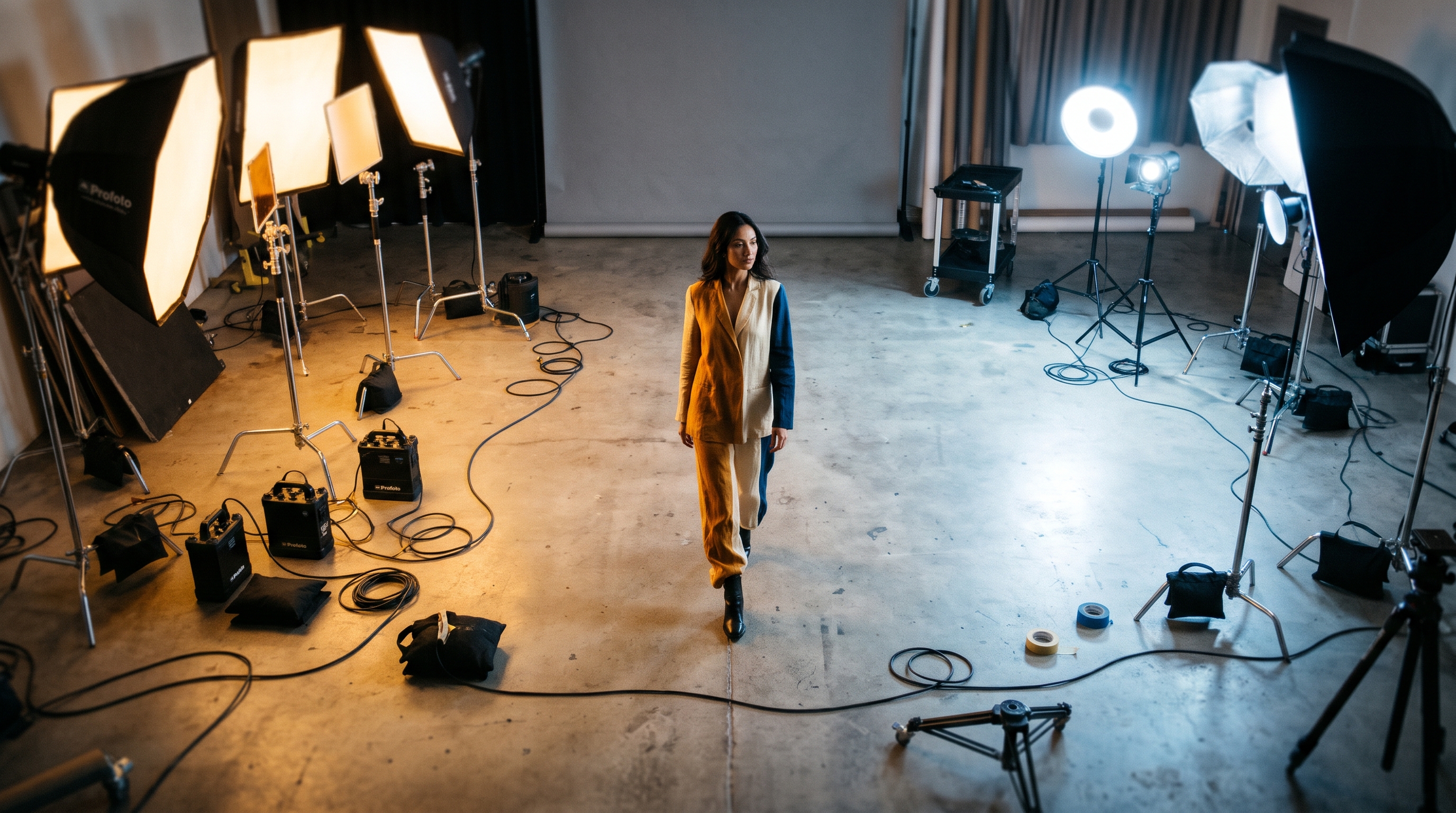
Understanding consistent lighting across fashion catalog workflows requires examining how traditional photography breaks down at scale. When brands release hundreds of new items weekly, shoots span multiple physical locations, different photographers, and changing ambient conditions. Asking why do my product photos have different lighting usually points to fluctuating strobe intensities, varying softbox distances, and inconsistent white balance settings across camera bodies.
Even within a single studio, operator fatigue and equipment drift lead to discrepancies between front, side, and rear poses. When these uncalibrated assets populate online catalogs, shoppers notice the jarring transitions as they browse colorways or alternate angles, eroding brand trust and increasing product return rates.
How to standardize lighting profiles for consistent brand look
Achieving a cohesive maintaining brand look across product photography standard begins with defining rigorous lighting profiles before production starts. Studio operations teams must establish fixed parameters for key light angles, diffusion box sizes, and ambient color temperature (typically measured in Kelvin). However, relying purely on physical gear calibration fails when shooting diverse fabric textures like satin, wool, and denim that reflect and absorb light differently.
Establishing digital lighting templates ensures that every garment—whether shot as a ghost mannequin, flat lay, or on-model asset—receives identical illumination vectors. This foundational standardization is essential before scaling production across multiple seasonal drops.
Can AI tools match lighting across images from different shoots?
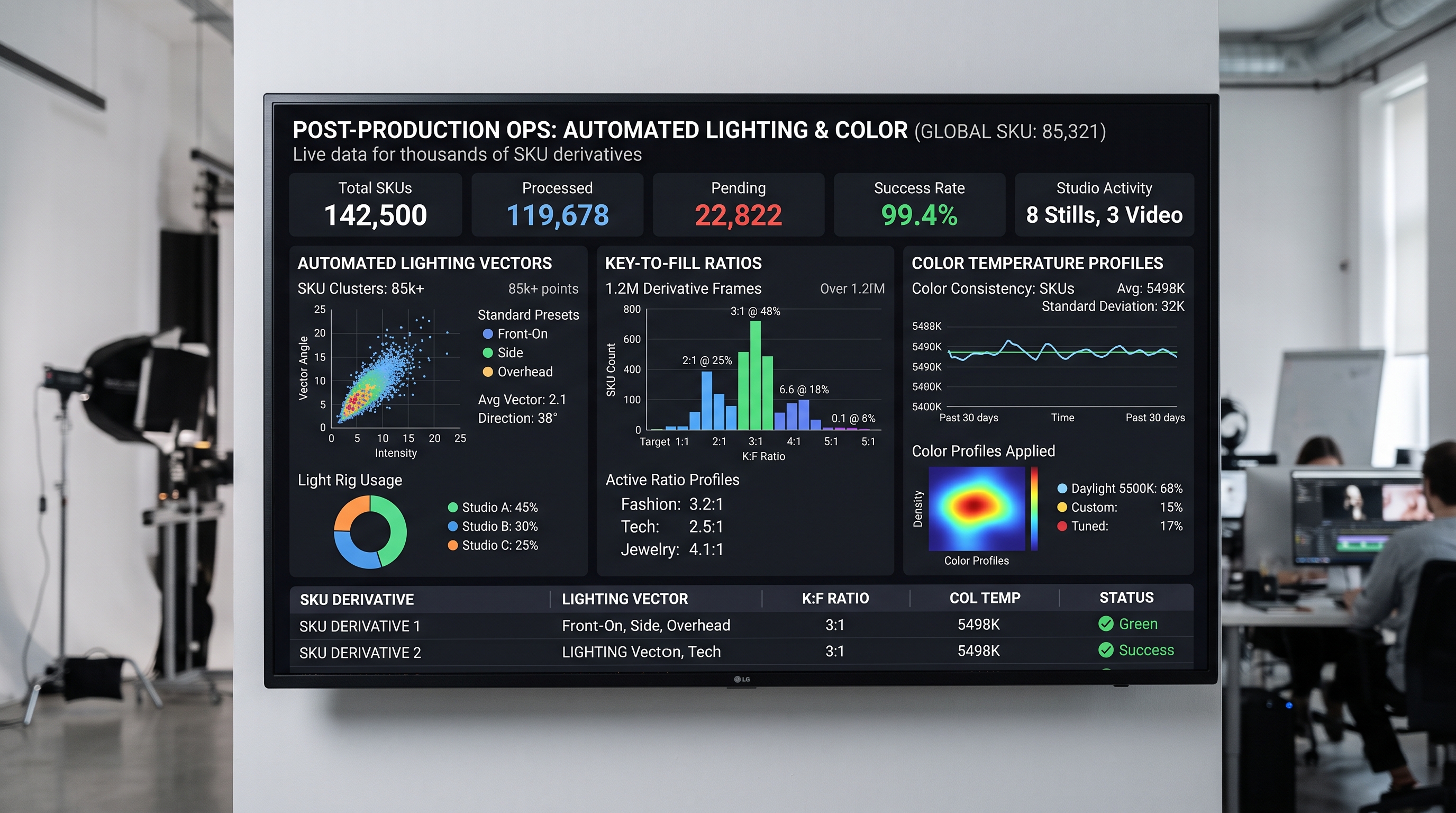
The common misconception in post-production is that manual color grading and dodging/burning are the only ways to correct uneven exposure. In reality, modern ai tools for uniform lighting in fashion images apply consistent illumination parameters programmatically at the point of asset generation. When figuring out how to match lighting on product images from different shoots, modern studios utilize reference-based rendering.
By defining a master lighting profile, AI pipelines ingest individual garment assets or tech packs and synthesize model photography under identical studio lighting conditions. This eliminates shadow variance and color cast mismatches entirely, ensuring absolute uniformity across thousands of SKUs regardless of when or where the base capture occurred.
What to look for in a visual automation pipeline for lighting control
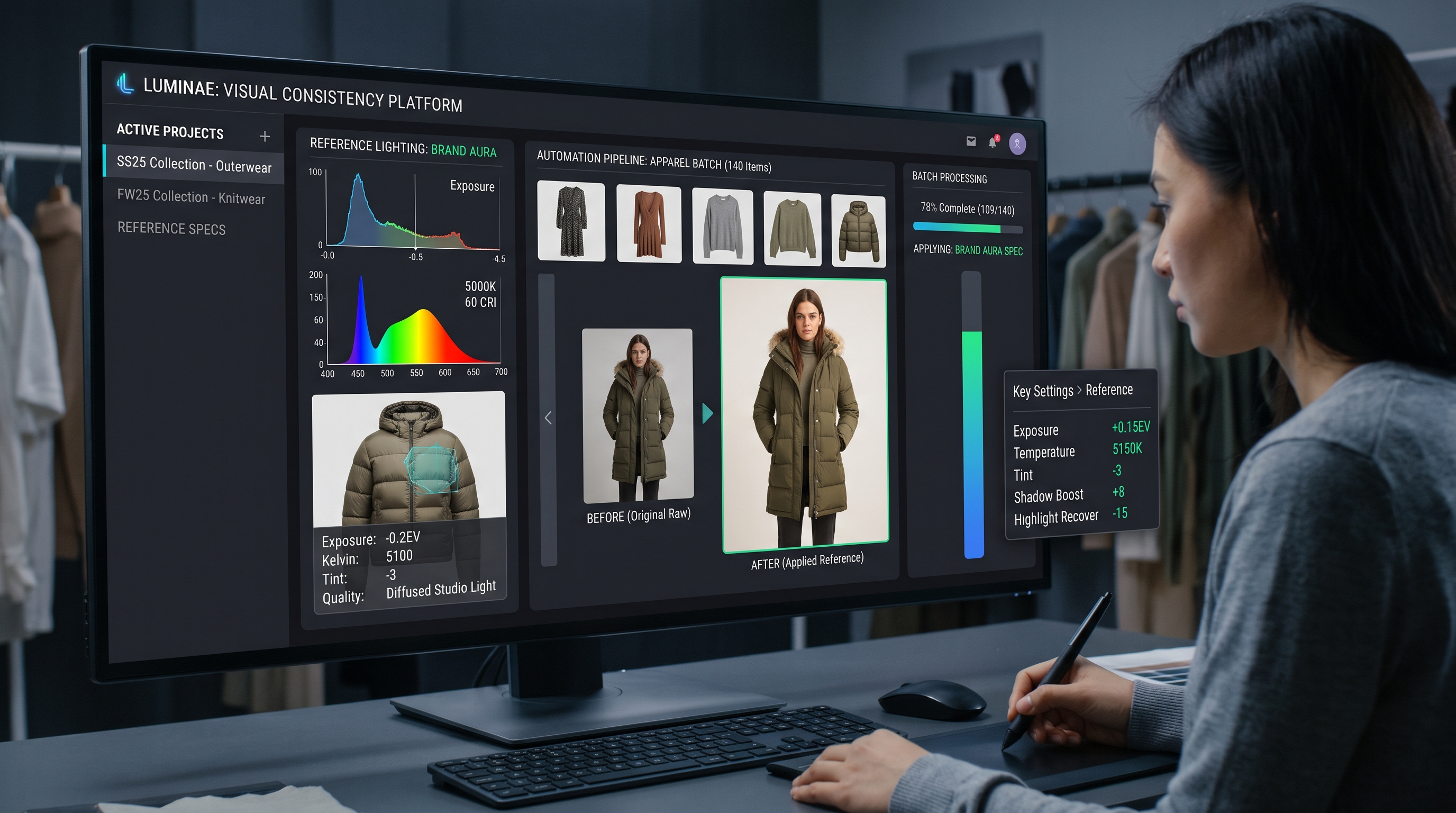
Evaluating how to fix inconsistent lighting in ecommerce photography at scale requires adopting robust visual supply chain tooling. A production-grade automation platform must offer precise control over specular highlights, soft fill ratios, and drop shadow positioning. It must also integrate seamlessly with existing Product Information Management (PIM) and digital asset management systems.
Studio leads should prioritize solutions that support reference-based lighting inheritance, allowing new seasonal collections to automatically inherit the exact illumination profile of historical bestseller PDPs without manual intervention.
Comparing traditional lighting management with AI visual pipelines
To understand the operational leap required to solve lighting drift, examine the direct comparison between traditional manual methods and automated AI pipelines:
| Metric | Traditional Studio Lighting | Automated AI Visual Pipeline |
|---|---|---|
| Lighting Consistency Across Shoots | Varies due to equipment drift and operator differences | Absolute mathematical uniformity across all SKUs |
| Time Spent on Post-Production Color Matching | Weeks of manual retouching per seasonal drop | Instant automated parameter application |
| New Seasonal Collection Onboarding | Requires physical lighting setup and test shoots | Inherits master reference profile automatically |